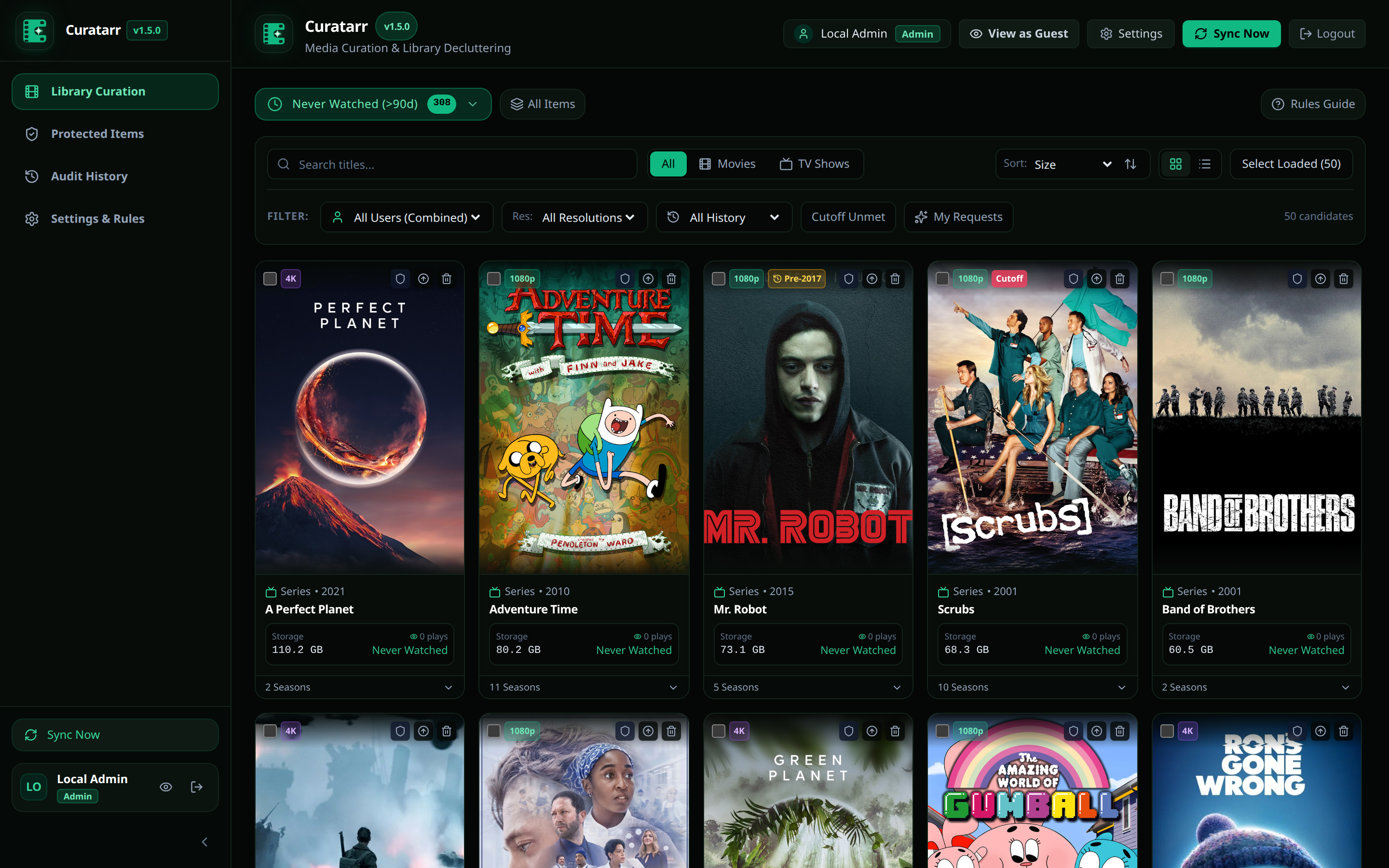
Getting Started
This guide explains how to install and start Curatarr with Docker Compose.
Prerequisites
Before you start, verify that you have:
- Docker Engine (version 24.0 or newer).
- Docker Compose (version 2.20 or newer).
- Network access from the Curatarr container to your media servers:
- Radarr (default port:
7878) - Sonarr (default port:
8989) - Plex Media Server (default port:
32400) - Tautulli (default port:
8181) - Overseerr or Jellyseerr (default port:
5055)
- Radarr (default port:
Installation via Docker Compose
1. Create a Working Directory
Create a dedicated folder for Curatarr data:
bash
mkdir -p /containers/curatarr/data
cd /containers/curatarr
2. Configure docker-compose.yaml
Save the following configuration as docker-compose.yaml:
yaml
services:
  curatarr:
    image: ghcr.io/spelech/curatarr:latest
    container_name: curatarr
    ports:
      - "8909:8080"
    volumes:
      - ./data:/app/data
    environment:
      - TZ=America/Chicago
      - ASPNETCORE_ENVIRONMENT=Production
    restart: unless-stopped
3. Start the Container
Run the following command to start Curatarr in the background:
bash
docker compose up -d4. Verify Container Health
Check the container logs to ensure the server started successfully:
bash
docker compose logs -f curatarrWhen started, Kestrel listens on port 8080 internally, accessible on host port 8909:
text
info: Microsoft.Hosting.Lifetime[14]
      Now listening on: http://[::]:8080
info: Microsoft.Hosting.Lifetime[0]
      Application started. Press Ctrl+C to shut down.
First Run & Overseerr-Style Setup
- Open your web browser and navigate to:
http://localhost:8909 - Claim Admin Account:
- Click Sign In with Plex to initiate the standard Plex PIN authentication flow.
- Authorize Curatarr in your Plex account. The first user to complete this step is registered as the primary Admin.
- Plex Server Discovery & Binding:
- Upon admin login, Curatarr queries Plex.tv for all servers owned by or shared with your account and presents the setup wizard.
- Choose your primary Plex Media Server from the dropdown. Curatarr automatically populates the server name, machine identifier, and secure connection URLs.
- Click Test & Bind Server to verify communication and persist the binding.
- Connect Media Instances:
- Navigate to Settings -> Arr Connections.
- Add your Radarr and Sonarr instances (or click Auto-Discover Local Services).
- Note: Tautulli and Overseerr are completely optional companions. Curatarr correlates watch activity directly from your Plex Media Server out of the box.
- Run Initial Library Sync:
- Click Sync Now in the top navigation bar to trigger your first library scan and populate all smart categories.