Quality Profile Upgrades
Curatarr integrates directly with the Arr quality pipeline to identify titles that do not satisfy your resolution standards and trigger automated upgrades.
Cutoff Unmet Detection
In Sonarr and Radarr, each quality profile specifies a Cutoff (for example, Bluray-1080p or Remux-2160p).
- When a downloaded release is below the target quality (e.g.
HDTV-720p), the Arr instance marks the cutoff as unmet. - Curatarr monitors this status across all instances and displays a red Cutoff badge on affected cards.
- The Cutoff Unmet smart category groups these items into a single view.
Triggering Upgrades Inside Curatarr
Instead of switching back and forth between multiple Radarr and Sonarr web interfaces:
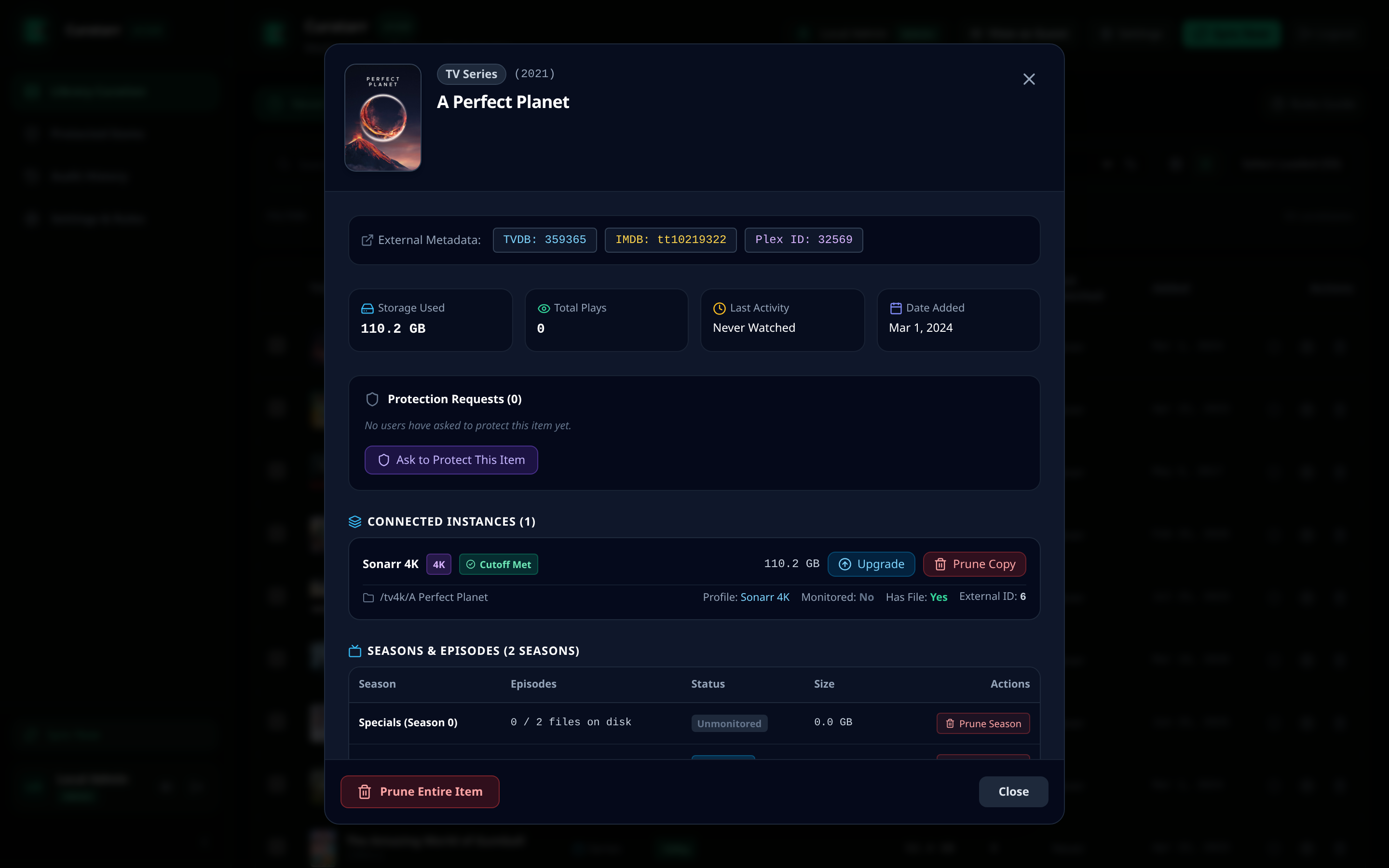
- Click on any item with a Cutoff tag to open the Media Detail Modal.
- Under Connected Instances, click the blue Upgrade button next to the target instance.
- Select an updated quality profile from the dropdown if desired, or retain the current profile.
- Click Confirm Upgrade.
- Curatarr instructs the target Arr instance to:
- Update the quality profile (if modified).
- Trigger an automatic interactive search against configured indexers.
- Replace the file once a superior release is found.