06. System Settings & Vector Embeddings
The Settings View (Settings tab - accessible to administrators) provides a comprehensive configuration plane for adjusting vector embedding search engines, identity & authentication providers, enterprise secret retrievers, custom JSON specification files, and access control matrices.
🧭 Settings Sub-Navigation Tabs
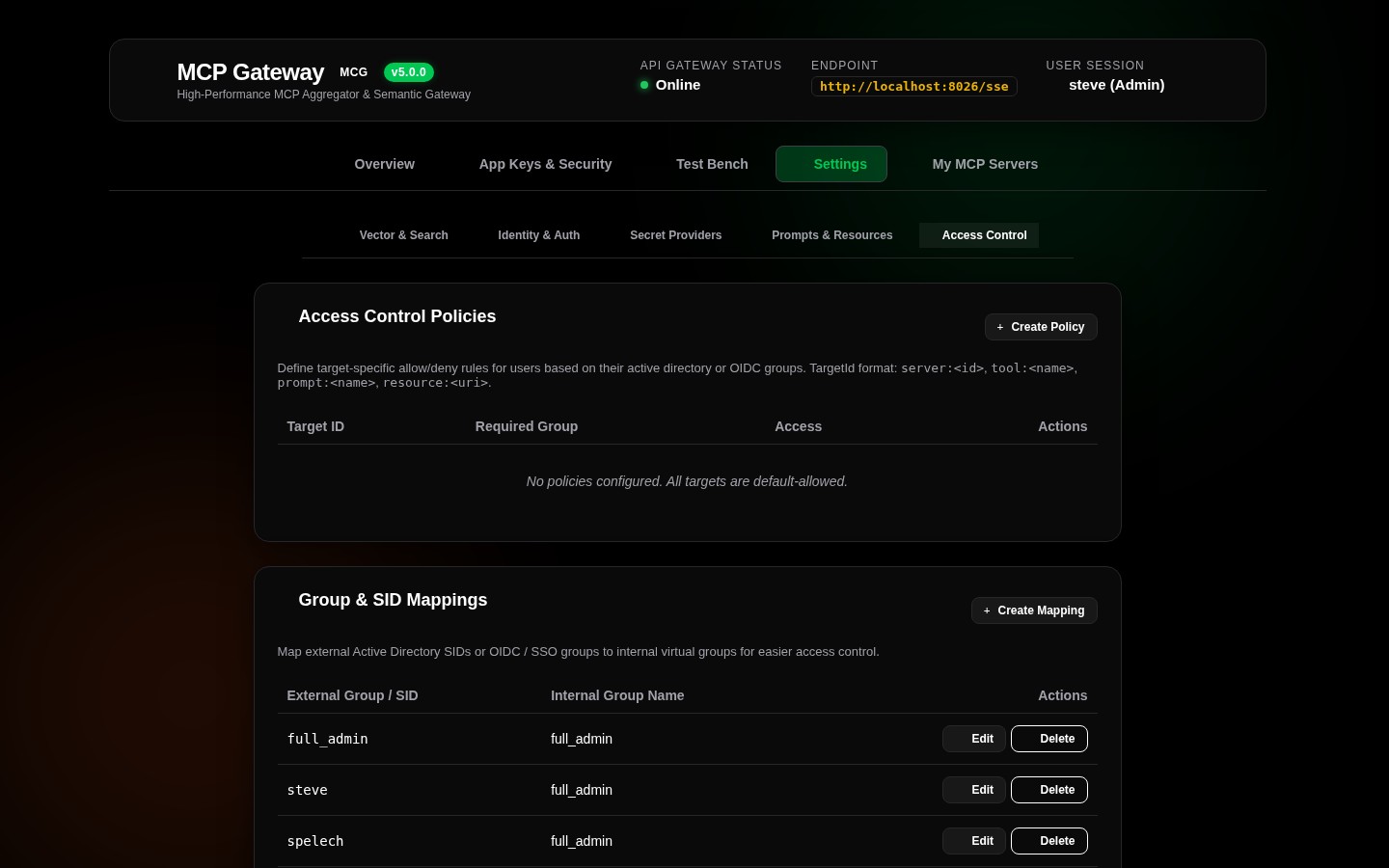
The Settings interface is organized into 5 modular domain tabs:
+-------------------------------------------------------------------------------------------------------------------------+
| [ 🧠 Vector & Search ]  [ 🪪 Identity & Auth ]  [ 🔐 Secret Providers ]  [ 📂 Prompts & Resources ]  [ 👥 Access Control ] |
+-------------------------------------------------------------------------------------------------------------------------+
🧠 Tab 1: Vector & Search Engine (GeneralTab)
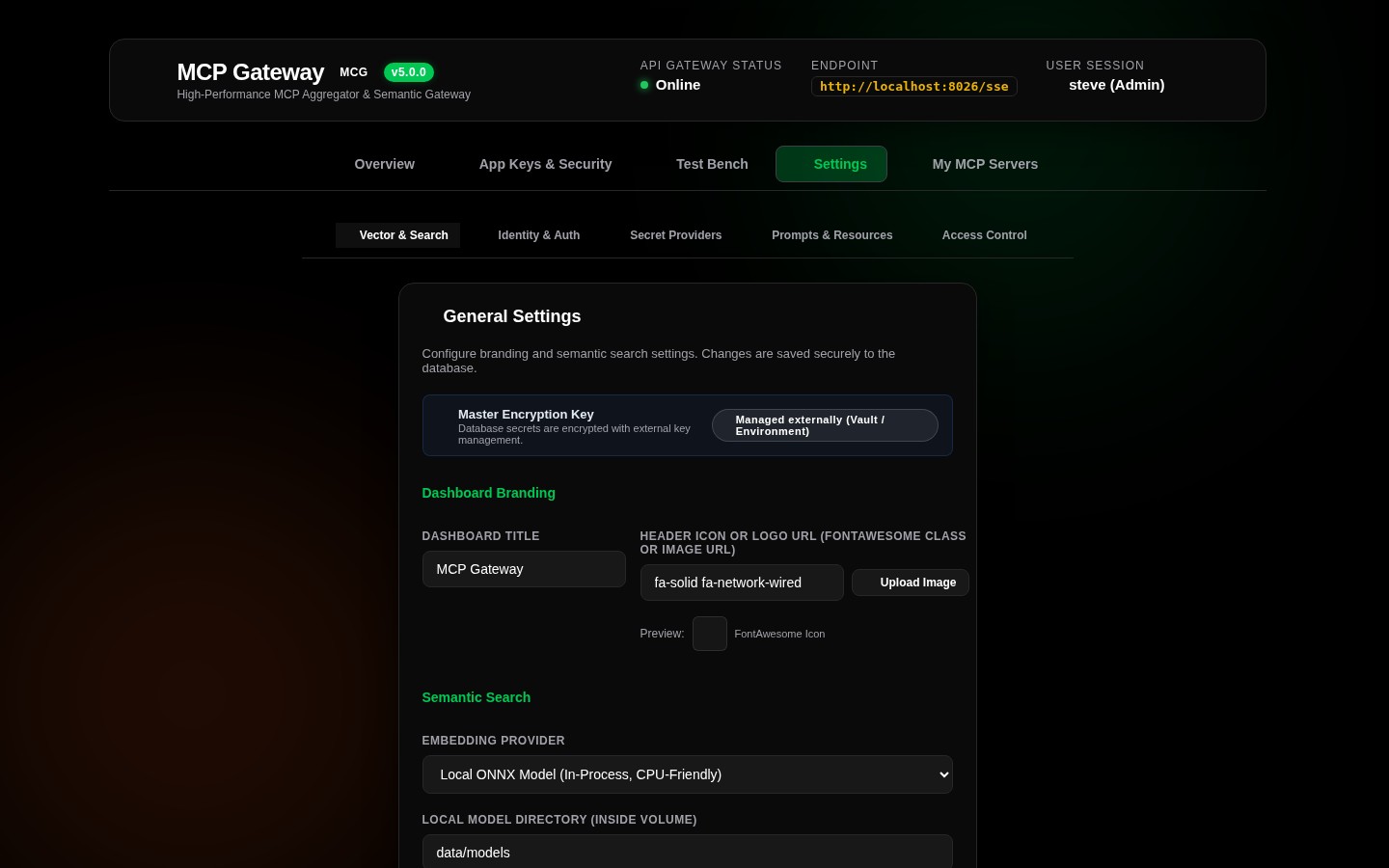
The vector embedding engine powers the Meta-Mode dynamic discovery pipeline (search_tools), matching natural language agent queries against the tool catalog:
+-------------------------------------------------------------------------------+
| 🧠 Vector Embedding & Semantic Search Configuration                           |
+-------------------------------------------------------------------------------+
| Embedding Engine:     (•) Local ONNX In-Process   ( ) External API Provider   |
|                                                                               |
| [Local ONNX Engine Parameters]                                                |
| Model Architecture:   All-MiniLM-L6-v2 (384-dimensional dense vectors)        |
| Model Cache Path:     [ /data/models                                       ]  |
| Execution Provider:   CPU Multi-Threaded In-Process (Microsoft.ML.OnnxRuntime) |
|                                                                               |
| [External API Provider Parameters]                                            |
| Provider Type:        [ OpenAI / Compatible (LiteLLM, Ollama) ▾ ]             |
| Base API Endpoint:    [ https://api.openai.com/v1                          ]  |
| API Secret Key:       [ sk-proj-********************************           ]  |
| Model Identifier:     [ text-embedding-3-small                             ]  |
|                                                                               |
| [ Save Vector Settings ]                                                      |
+-------------------------------------------------------------------------------+
1. Local ONNX Engine (Recommended / Default)
- Model: Embedded
All-MiniLM-L6-v2transformer model. - Zero External Dependencies: Runs entirely in-process on CPU using
Microsoft.ML.OnnxRuntimeandMicrosoft.ML.Tokenizers. - Privacy & Air-Gapped: Queries and tool descriptions never leave the local container.
- Auto-Initialization: Model weights and tokenizers are automatically verified and cached in the persistent models directory (
/data/models).
2. External API Provider (OpenAI / Ollama / LiteLLM)
- Usage: Ideal when standardizing across external embedding models or connecting to a shared GPU inference cluster.
- Supported Backends: OpenAI, Azure OpenAI, Ollama, LiteLLM, Open WebUI, and vLLM.
- Secure Storage: External API keys are encrypted at rest in the database using authenticated AES-256-GCM envelope encryption.
🪪 Tab 2: Identity & Auth Providers (IdentityAuthTab)
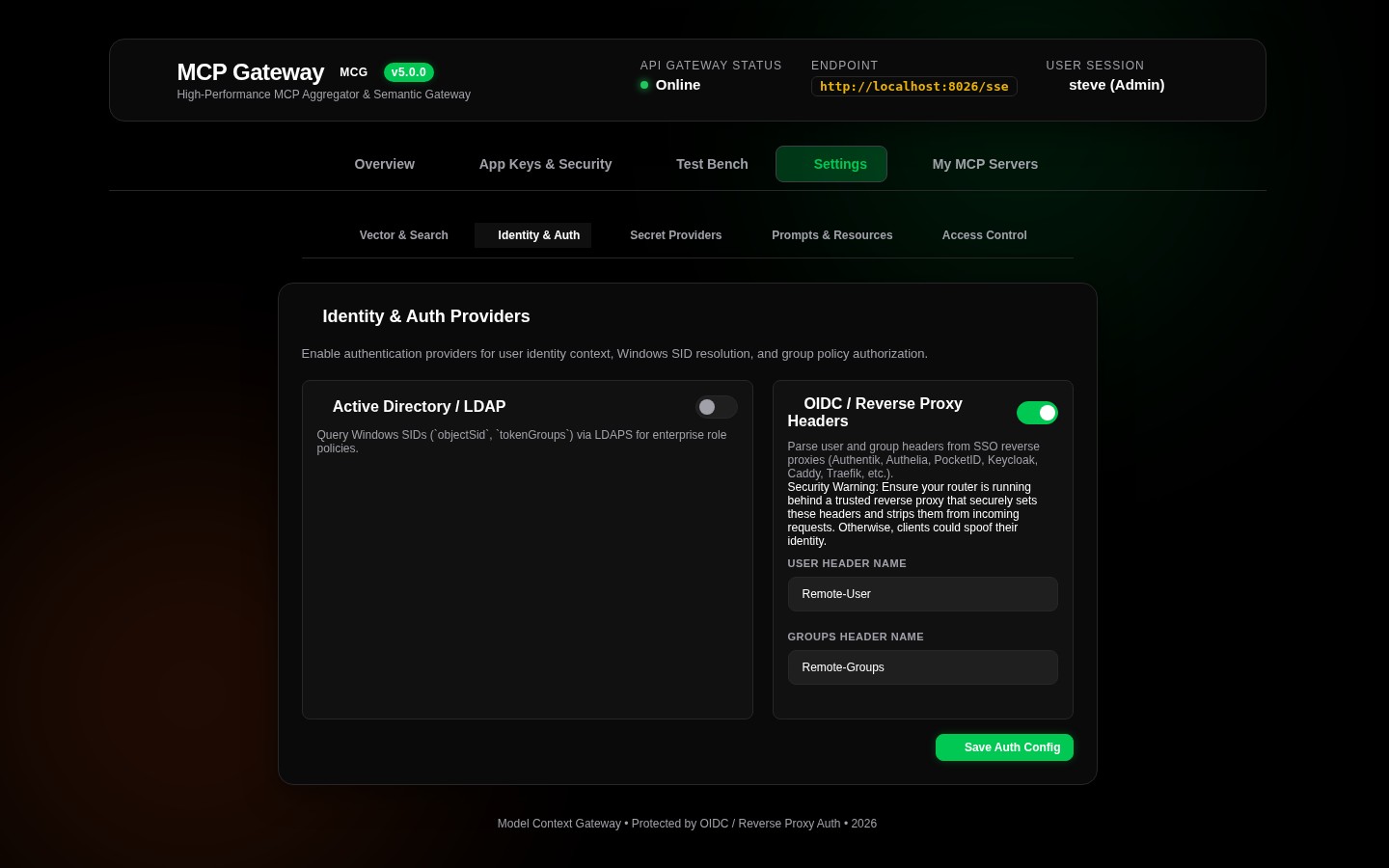
Manages incoming authentication and user identity resolution:
1. Active Directory / Windows SID Provider
- Enable or disable Windows Kerberos/NTLM authentication.
- Configure Domain Controller endpoints, Base DN, and service account credentials.
2. OIDC / Reverse Proxy Headers Provider
- Enable or disable header-based identity inspection from reverse proxies (Authentik, Authelia, PocketID, Keycloak, Traefik, Caddy, Nginx, etc.).
- Custom header field names:
Remote-User,Remote-Groups,Remote-Email,Remote-Name.
3. OpenIddict OAuth 2.0 Authorization Server
- Configure OAuth 2.0 token lifetimes (Access Token TTL, Refresh Token TTL).
- X.509 signing certificate paths and encryption keys for distributed microservice trust.
🔐 Tab 3: Secret Providers (SecretProvidersTab)
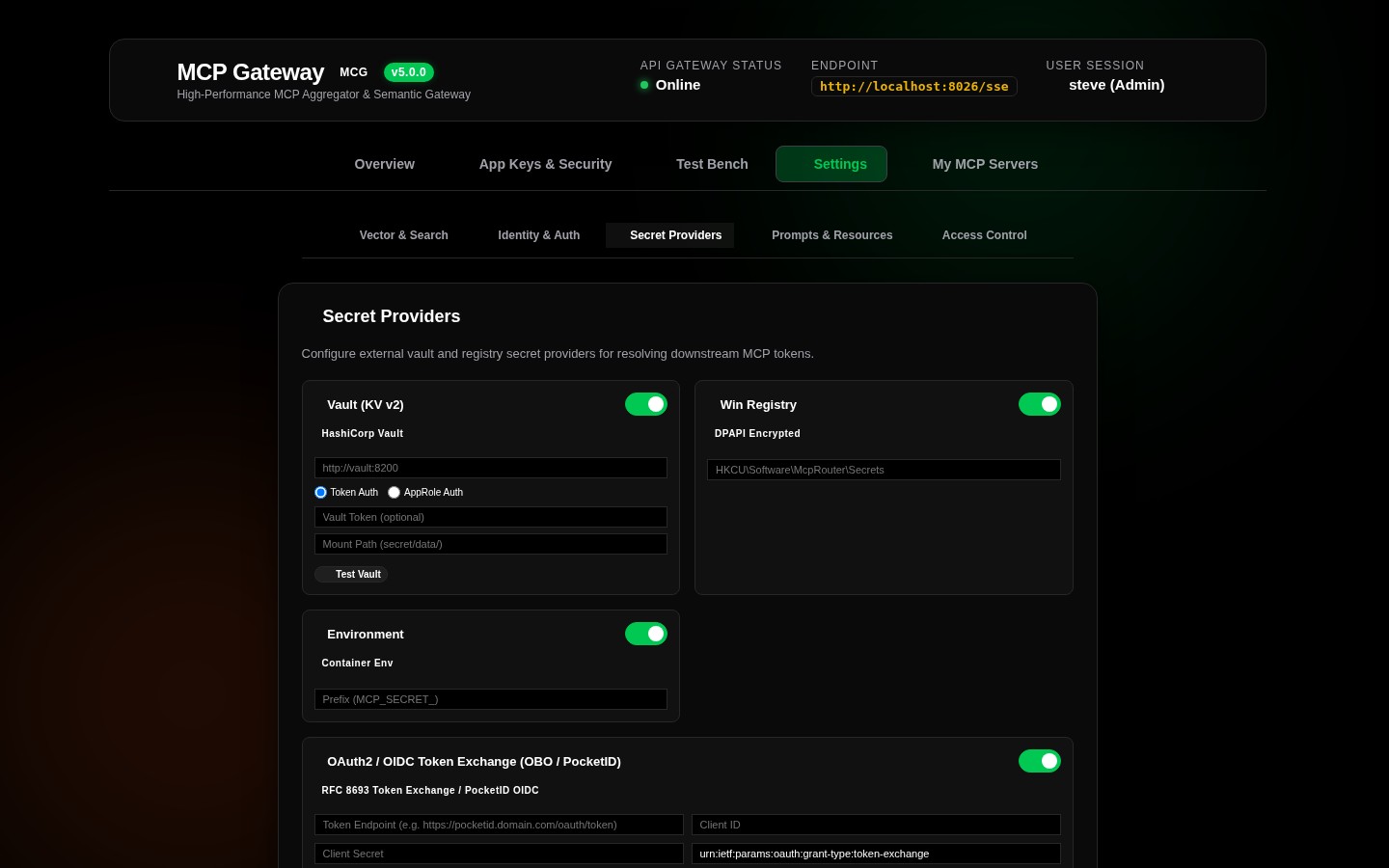
Manage centralized configurations for external secret stores:
* HashiCorp Vault KV v2: AppRole (roleId / secretId) or direct Token with JIT renewal.
* Windows Registry: DPAPI-encrypted secrets stored in HKLM or HKCU.
* Container Environment: Secrets dynamically loaded from prefix-matched container env vars.
* OAuth2 / OIDC Token Exchange (RFC 8693 / PocketID): On-Behalf-Of (OBO) token exchange for downstream tools.
📂 Tab 4: Prompts & Resources File Manager (CustomFilesTab)
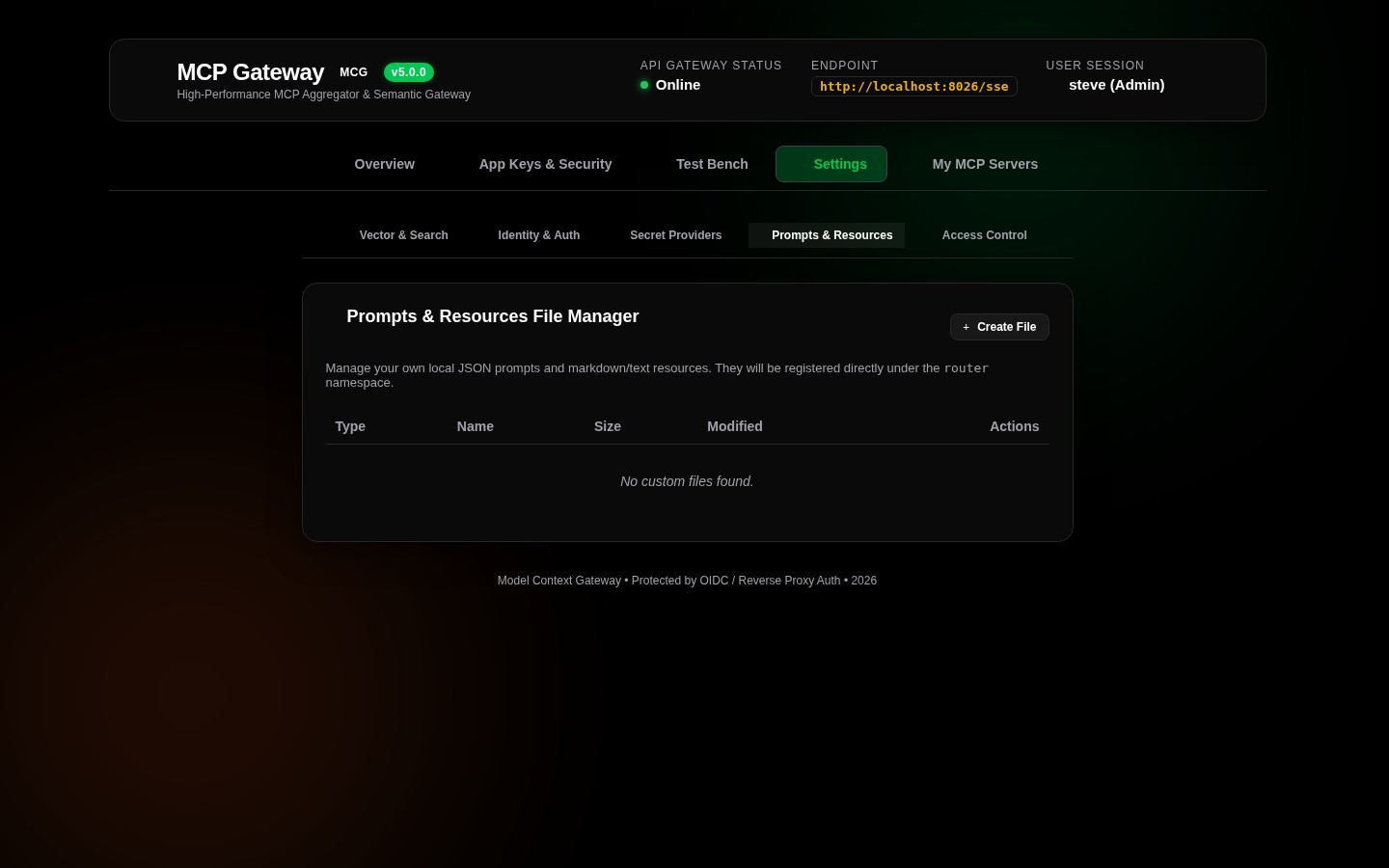
Create and manage custom JSON files that define virtual tools, prompt templates, and virtual resource endpoints:
- File Catalog Grid: Lists all registered specification files with file name, type (
Tools,Prompts,Resources), and last updated timestamp. - Interactive Editor & Visual Prompt Builder: Built-in JSON editor and visual template builder with validation before persistence.
- Hot Reload: Instantly updates catalog caches and vector embeddings upon saving.
👥 Tab 5: Access Control & Group Mappings (AccessControlTab)
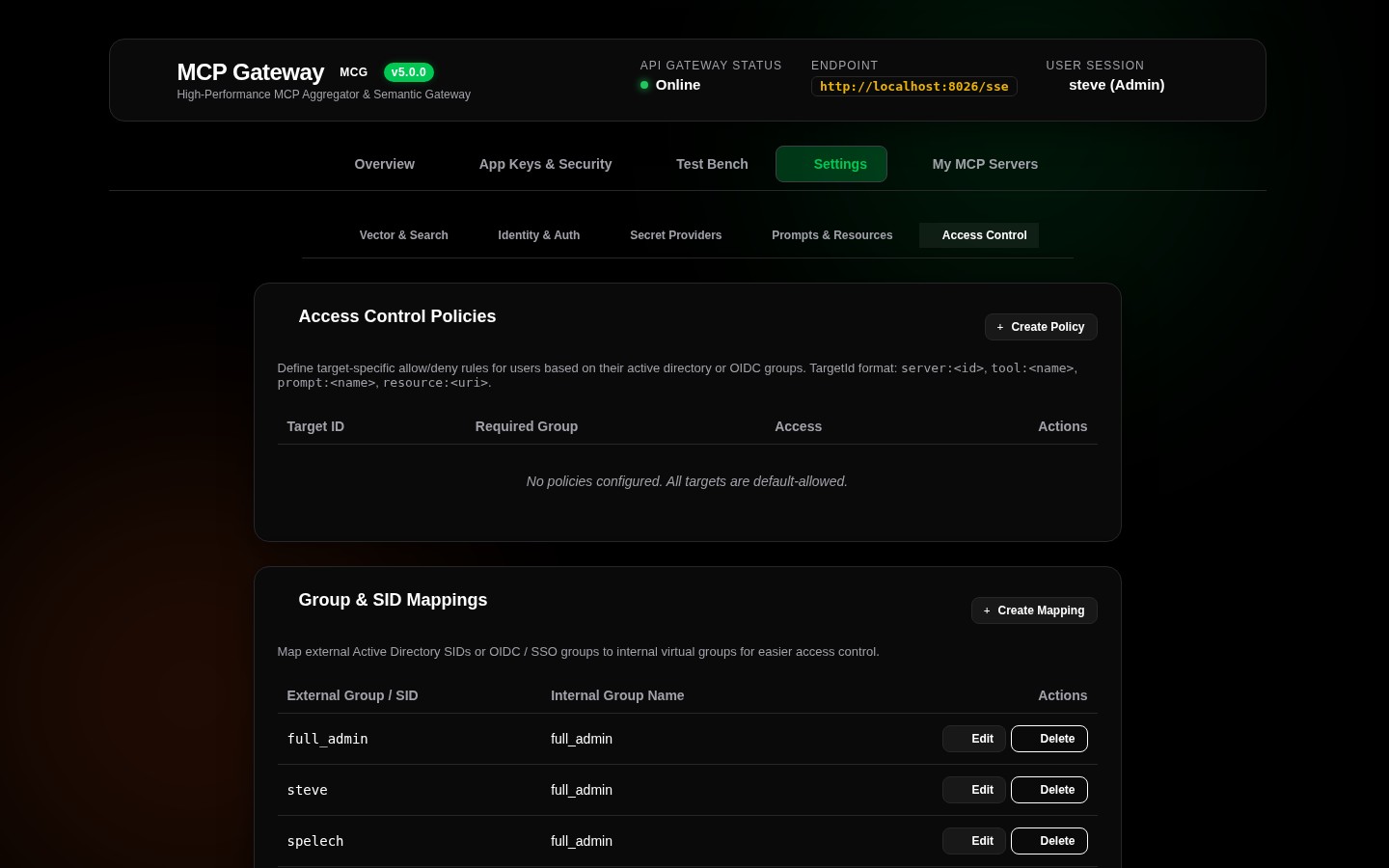
Fine-tune enterprise permissions across servers and external groups:
- Group Mappings Table: Define mappings that translate external Identity Provider groups (e.g.
CN=IT-Admins,OU=Groups,DC=corporS-1-5-21-1001) to simplified internal roles (full_admin). - Server Policies Table: Complete matrix of server-level access rules:
- Target Identifier (e.g.
server:docker,tool:docker__ps,prompt:router__diagnose) - Required Group (e.g.
Engineering,Administrators) - Mode (
ALLOW AccessorDENY Access)