
Virtual Resources & Prompt Templates Tester
The Interactive Test Bench provides specialized interfaces for inspecting virtual resources and testing prompt templates exposed by backend MCP servers.
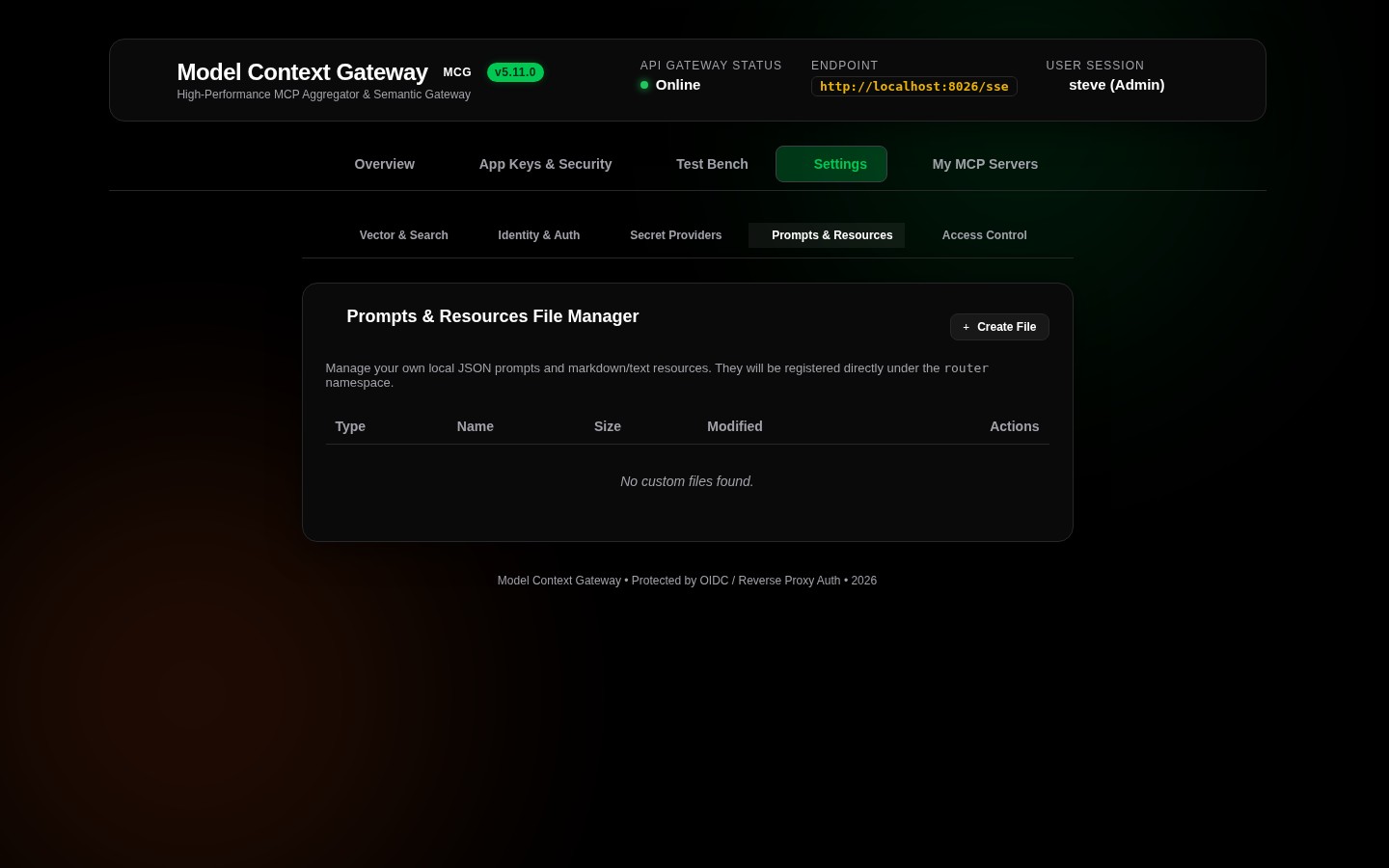
📄 Virtual Resource Tester (ResourceTesterCard)
Use the Virtual Resource Tester to read and verify virtual file paths, database snapshots, and system diagnostic dumps:
How to Read a Virtual Resource
- Select Server or Template: Choose a registered server from the dropdown to view its published resources.
- Select Resource or Specify URI: Pick an item from the pre-populated resource list or type a custom virtual URI into the Resource URI field.
- Read Resource: Click Read Resource. The gateway requests the resource, parses the payload, and displays its MIME type, payload size, and formatted content.
Supported Virtual Resource URIs
- Downstream MCP Server Resources: URIs using the namespaced virtual scheme:Example:
mcp://{serverId}/{path}mcp://docker/containers/status,mcp://filesystem/shared/config.json. - Gateway System Resources: Built-in system introspection endpoints:
router://status: Returns active client session counts, connection pools, and runtime uptime.router://database: Returns database connection status, registered table counts, and provider types.logs://recent: Retrieves the most recent in-memory log buffer.
API & cURL Invocation
bash
curl -X POST http://localhost:8080/api/test/resources/read \
  -H "Authorization: Bearer <YOUR_APP_KEY>" \
  -H "Content-Type: application/json" \
  -d '{
    "uri": "mcp://docker/containers/status"
  }'
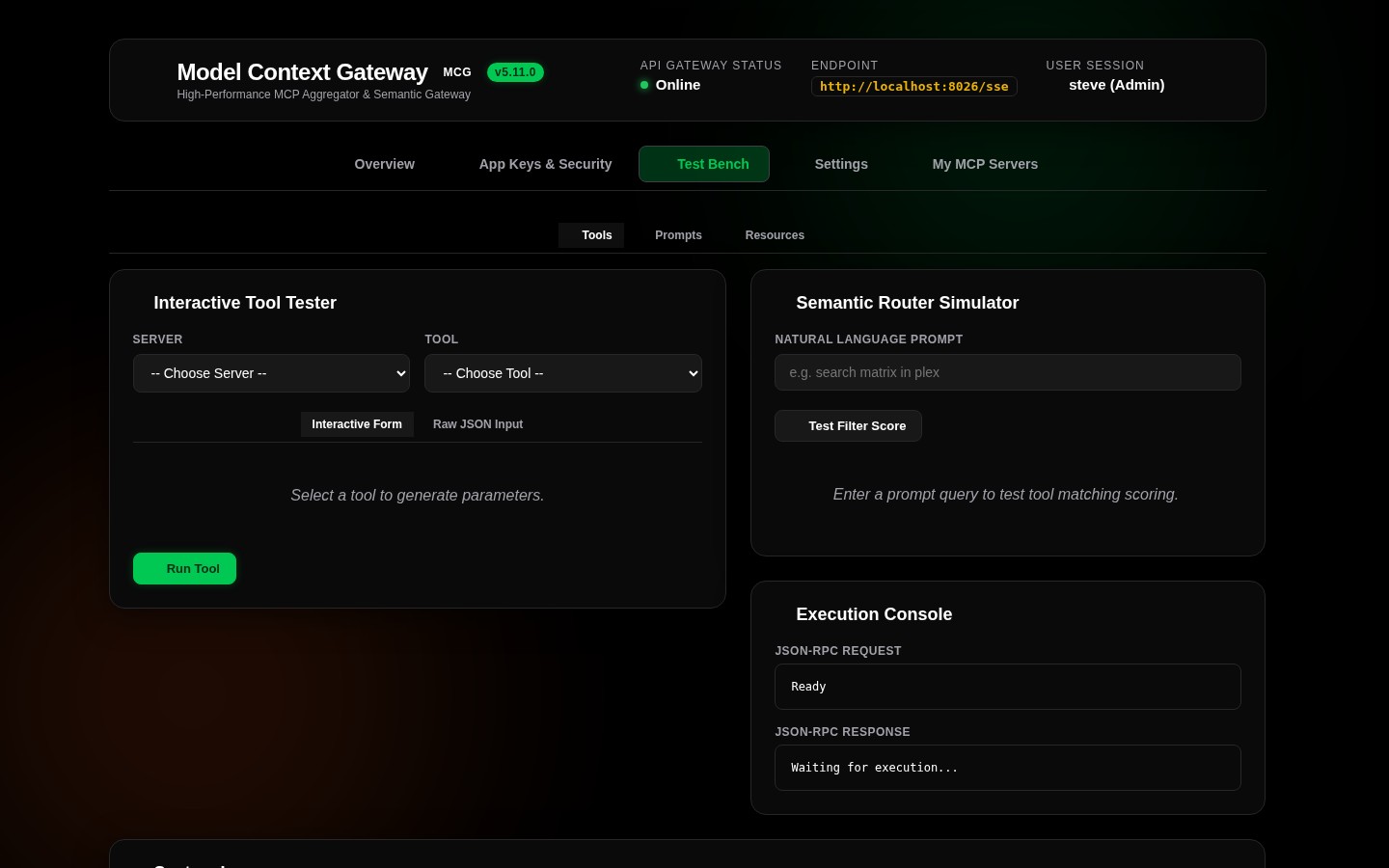
💬 Prompt Template Tester (PromptTesterCard)
Use the Prompt Template Tester to evaluate dynamic prompt templates and ensure variable substitution works before AI consumption:
How to Render a Prompt Template
- Select Server & Template: Choose the backend server and target prompt template from the dropdown menus.
- Supply Arguments: Enter the required and optional arguments declared by the template schema.
- Render Prompt: Click Render Prompt. MCG evaluates the template variables and displays the resulting message array (System, User, Assistant messages).
API & cURL Invocation
bash
curl -X POST http://localhost:8080/api/test/prompts/get \
  -H "Authorization: Bearer <YOUR_APP_KEY>" \
  -H "Content-Type: application/json" \
  -d '{
    "serverId": "notes-rag",
    "promptName": "summarize_architecture",
    "arguments": {
      "topic": "Model Context Gateway Security Hardening",
      "max_length": "500"
    }
  }'