Configuration and Environment Variables
This document defines all configuration variables and parameters for ContextCortex.
Environment Variables Reference
Configure the application by setting these environment variables in your system environment or a .env file.
| Variable Name | Description | Default Value | Example |
|---|---|---|---|
DATABASE_URL | SQLAlchemy connection string for relational data. | sqlite:////app/data/index_cache.db | postgresql+psycopg://user:pass@postgres:5432/contextcortex |
VECTOR_STORE_PROVIDER | Active vector search engine (qdrant, pgvector, or chroma). | qdrant | qdrant |
QDRANT_HOST | Hostname or IP address of remote Qdrant service. | qdrant | 10.0.0.10 |
QDRANT_PORT | HTTP API port for Qdrant service. | 6333 | 6333 |
QDRANT_GRPC_PORT | High-performance gRPC port for Qdrant service. | 6334 | 6334 |
COLLECTION_NAME | Name of the primary vector collection in vector store. | knowledge_rag_v1 | knowledge_rag_v1 |
EMBEDDING_PROVIDER | Embedding generation provider (local or api). | local | local |
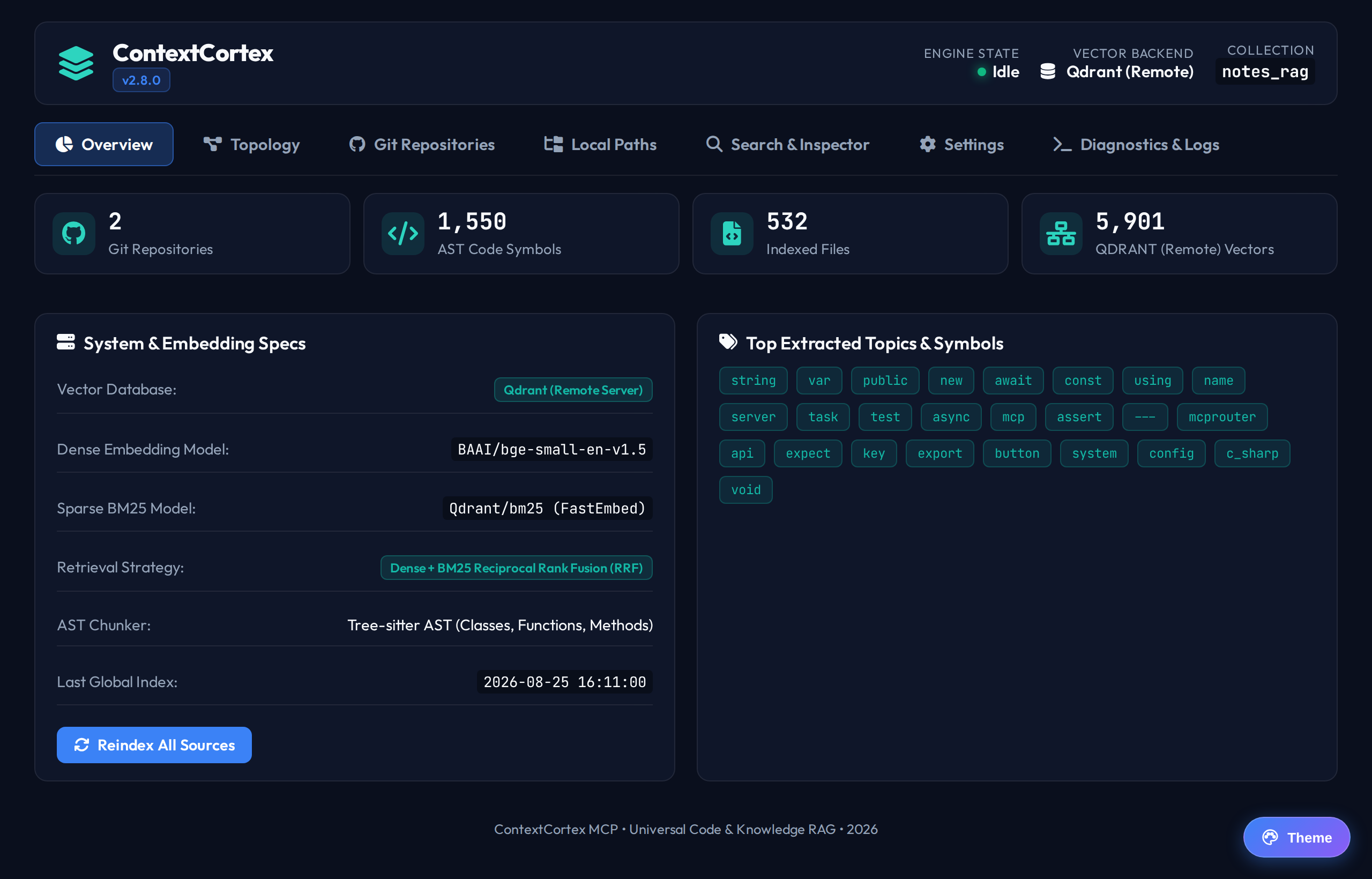
EMBEDDING_MODEL | Hugging Face model identifier for dense embeddings. | BAAI/bge-small-en-v1.5 | BAAI/bge-small-en-v1.5 |
SPARSE_MODEL | Model used for lexical sparse keyword vector generation. | Qdrant/bm25 | Qdrant/bm25 |
EMBEDDING_NUM_THREADS | Maximum CPU worker threads allocated for ONNX runtime. | min(2, system_cpus) | 4 |
EMBEDDING_BATCH_SIZE | Maximum batch size processed during vector tokenization. | 32 | 64 |
LOCAL_STORAGE_PATH | Host path for managed file and document uploads. | /app/data/storage | /drives/storage |
AUTH_ENABLED | Enables MCP OAuth 2.1 authentication and API key validation. | false | true |
AUTH_OIDC_ISSUER | OpenID Connect Identity Provider issuer URL. | None | https://auth.company.com/realms/master |
AUTH_JWKS_URI | Custom JSON Web Key Set URL override for token verification. | None | https://auth.company.com/realms/master/protocol/openid-connect/certs |
AUTH_RESOURCE_INDICATOR | RFC 8707 / RFC 9728 Resource Indicator for ContextCortex. | https://contextcortex.local | https://contextcortex.wileyriley.com |
ADMIN_INITIAL_KEY | Bootstrap API key seeded during container initialization. | None | cc_admin_initial_secret |
GITHUB_TOKEN | Global GitHub personal access token for higher API limits. | None | ghp_xxxxxxxxxxxx |
GITLAB_TOKEN | Global GitLab personal access token. | None | glpat-xxxxxxxxxxxx |
GITEA_TOKEN | Global Gitea or Forgejo access token. | None | xxxxxxxxxxxxxxxx |
AUTO_SYNC_INTERVAL | Default polling interval in minutes for tracked repositories. | 60 | 30 |
Database Profile Selection
ContextCortex supports two primary database profiles:
1. SQLite Profile (Default Development Mode)
- Zero Configuration: Requires no external database container.
- Write-Ahead Logging (WAL): Automatically enabled for concurrent read and write operations.
- Connection Timeout: Set to 5000 milliseconds to avoid disk lock errors.
- Relational Cache: Stored on disk at
/app/data/index_cache.db.
2. PostgreSQL 16 + pgvector Profile (Production Mode)
- Enterprise Concurrency: Full ACID transaction support across multiple worker threads.
- Native Vector Indexing: Creates
vector(384)columns with HNSW cosine distance indexing (vector_cosine_ops). - Connection Pooling: Uses
psycopg3pooled connections with automatic retry loops. - Configuration:bash
export DATABASE_URL="postgresql+psycopg://contextcortex:cortexsecret@postgres:5432/contextcortex"
export VECTOR_STORE_PROVIDER="pgvector"
Vector Store Configuration
Qdrant Mode
ContextCortex connects to Qdrant for dense and sparse BM25 hybrid search.
- When
QDRANT_HOSTis specified, the system connects to the remote Qdrant service. - If no remote service is found, the system operates in local embedded disk mode at
/app/data/qdrant_storage.
ChromaDB Mode
ChromaDB provides lightweight embedded vector storage without external services:
bash
export VECTOR_STORE_PROVIDER="chroma"LiteLLM Proxy Integration
To use dynamic model discovery with a LiteLLM proxy:
Configure these environment variables:
bashexport EMBEDDING_PROVIDER="api" export LITELLM_URL="http://litellm:4000/v1" export LITELLM_API_KEY="sk-your-litellm-key"Open the Settings tab in the Web Dashboard.
The dashboard queries the LiteLLM proxy models endpoint.
Select your preferred embedding model, vision OCR model, and chat model.