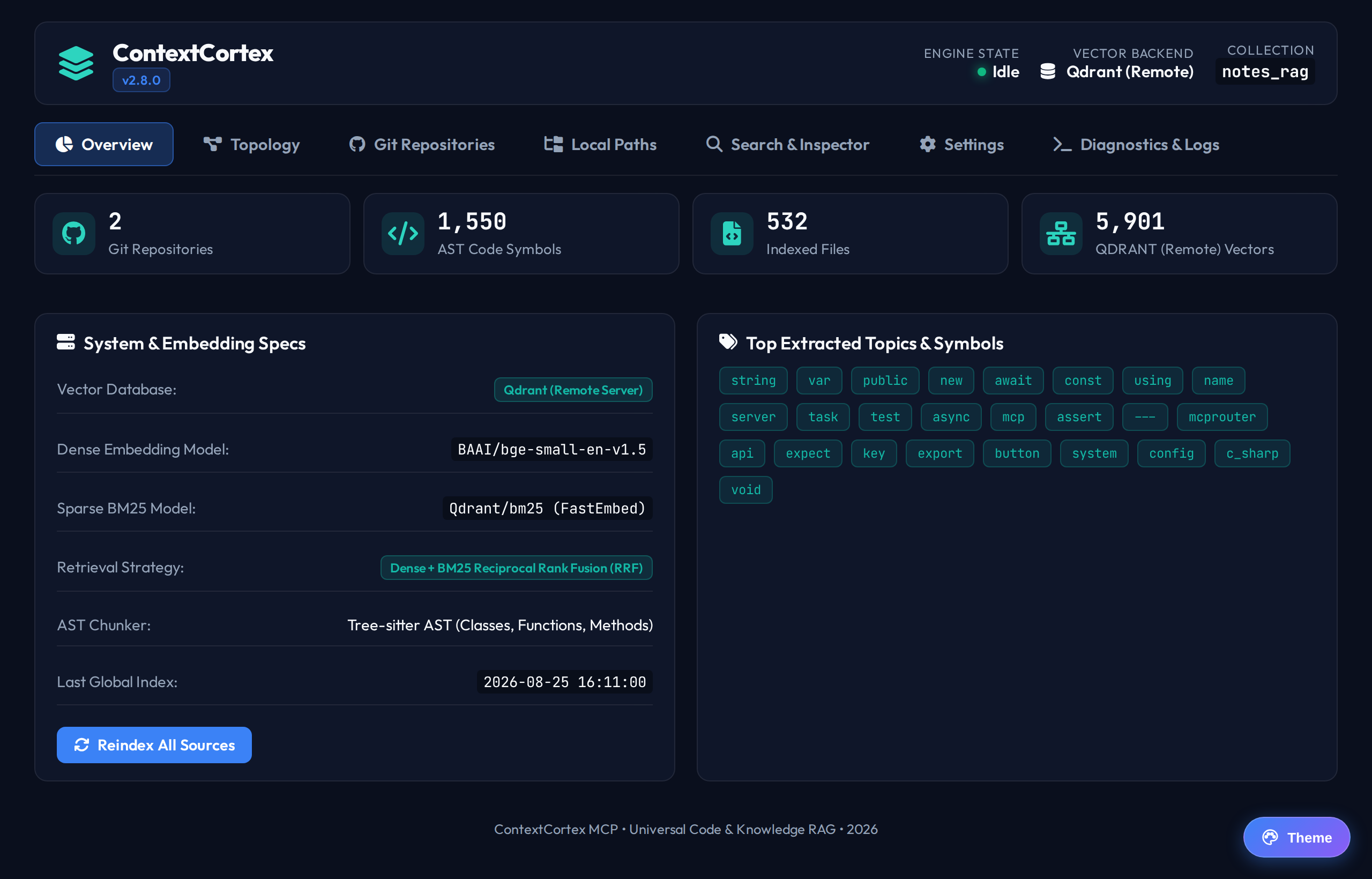
Overview Dashboard
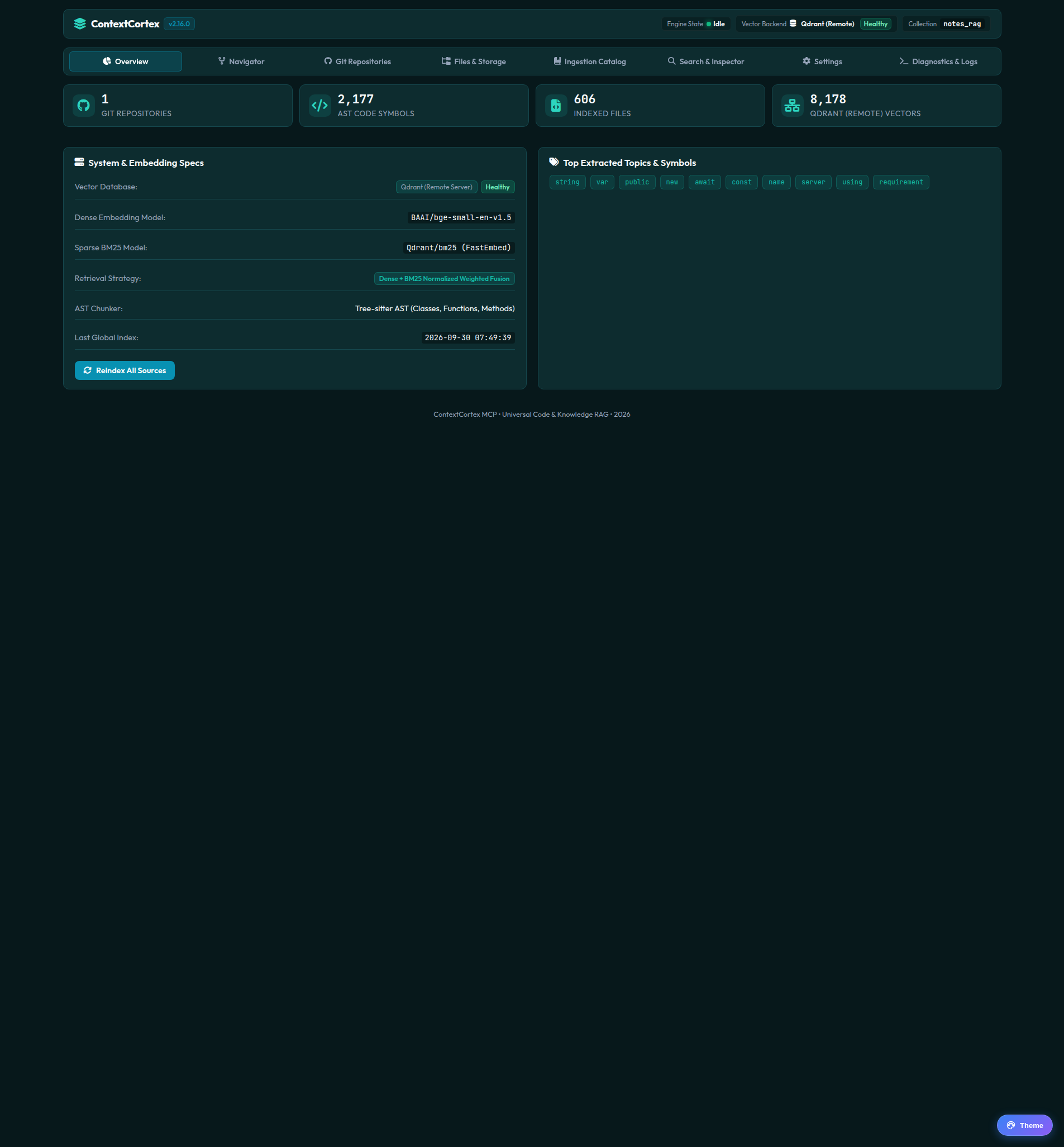
The Overview view provides a high-level operational summary of ContextCortex system health, indexed vector collections, active embedding model specifications, and tracked repository statuses.
Dashboard Metrics
The Overview dashboard displays the following primary operational metrics:
| Metric | Description |
|---|---|
| Total Vectors | The total number of dense and sparse vector embeddings stored across active collections in the vector database. |
| AST Symbols | The count of indexed functions, classes, methods, and interfaces parsed via Tree-sitter. |
| Tracked Repositories | The count of registered Git repositories and monitored host filesystem paths. |
| Active Vector Engine | Current vector backend provider (Qdrant, pgvector, or ChromaDB) and operating mode (Embedded or Remote). |
| Active Embedding Model | The configured model name (e.g. BAAI/bge-small-en-v1.5), dimension size (384), and hardware acceleration target. |
Actions on the Overview Page
- Reindex All Sources: Click Reindex All Sources in the quick actions bar to trigger a complete re-scan and embedding re-generation for all registered Git repositories and monitored paths.
- Refresh System Status: Click the Refresh button in the header to query the latest database and vector store health checks without a full page reload.
- Explore Topic Cloud: Review the dynamic Topic Tag Cloud to view primary structural keywords and conceptual tags extracted from codebase docstrings and markdown files.
Next Steps
- Explore codebase hierarchies and AST caller/callee relationships in the Codebase Navigator.
- Test semantic and lexical queries interactively in Search & Inspector.