User Guide
Welcome to the ContextCortex User Guide. This guide provides step-by-step instructions for operating the ContextCortex Web Admin Dashboard, managing repositories, exploring codebases with the 3-pane navigator, testing hybrid retrieval, and tuning system configurations.
User Guide Modules
Select a guide module below to explore detailed instructions and workflows:
| Module | Description | Guide Link |
|---|---|---|
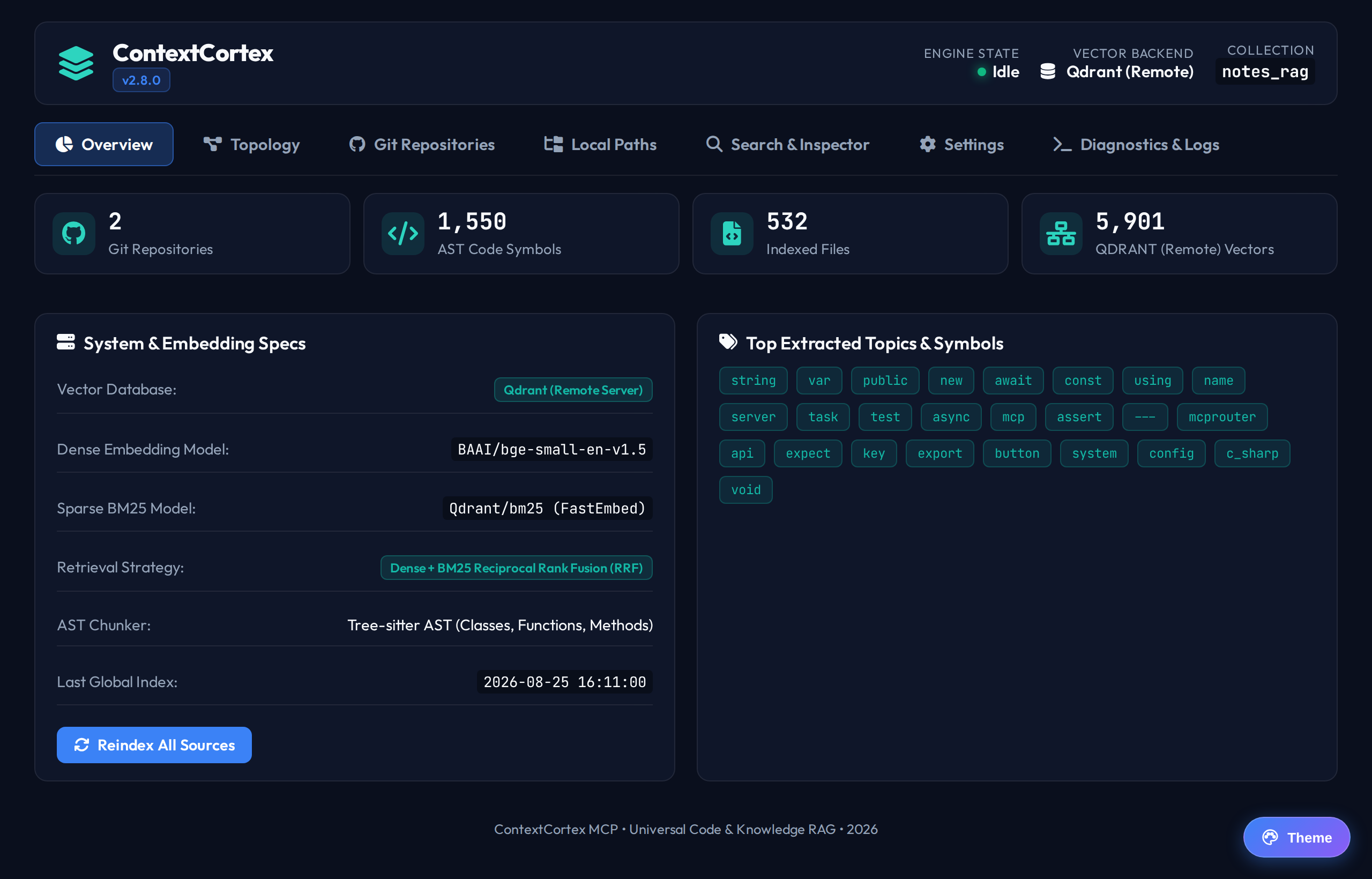
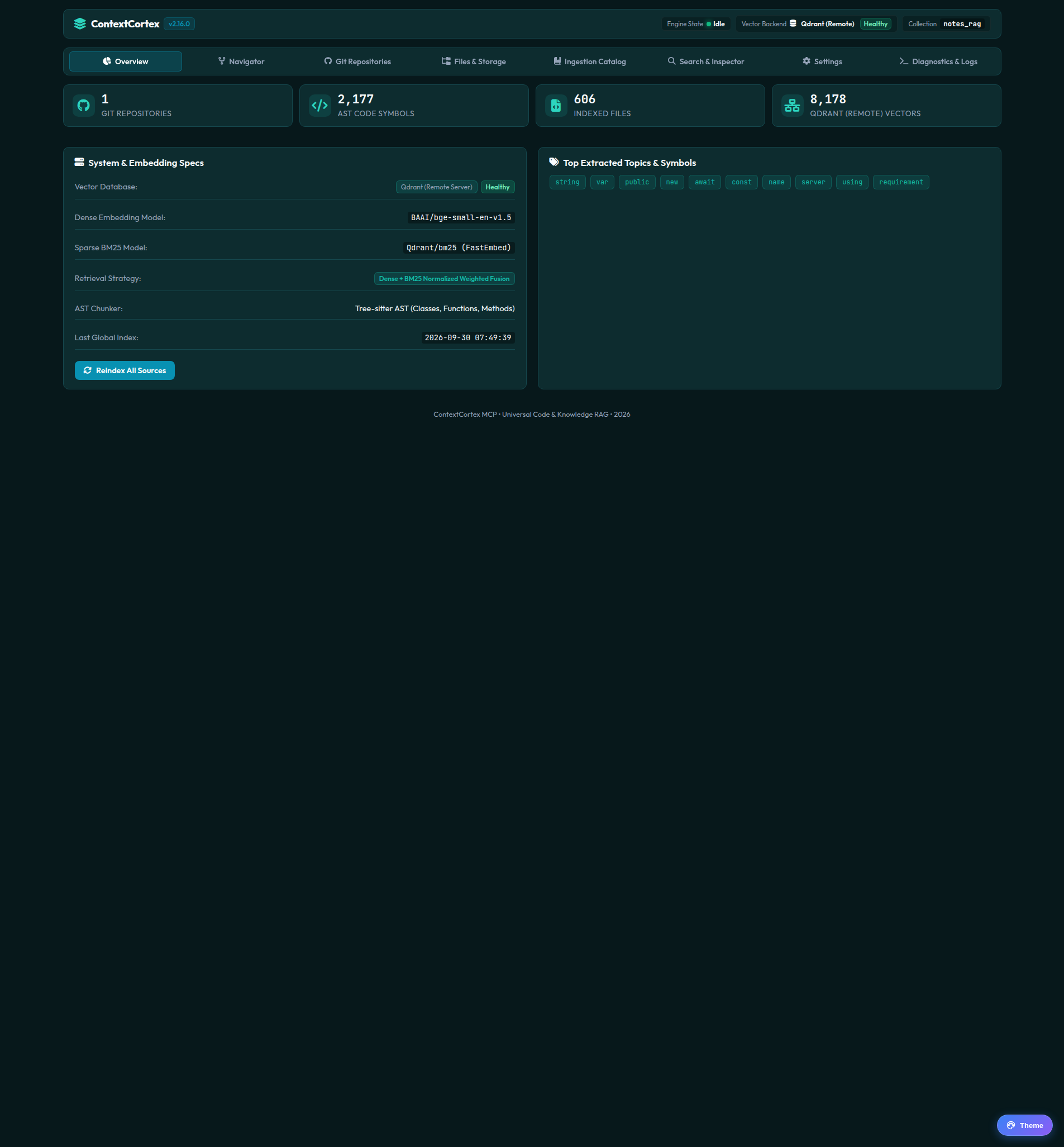
| 1. Overview Dashboard | System health indicators, vector counts, AST symbol metrics, and topic clouds. | Explore Guide → |
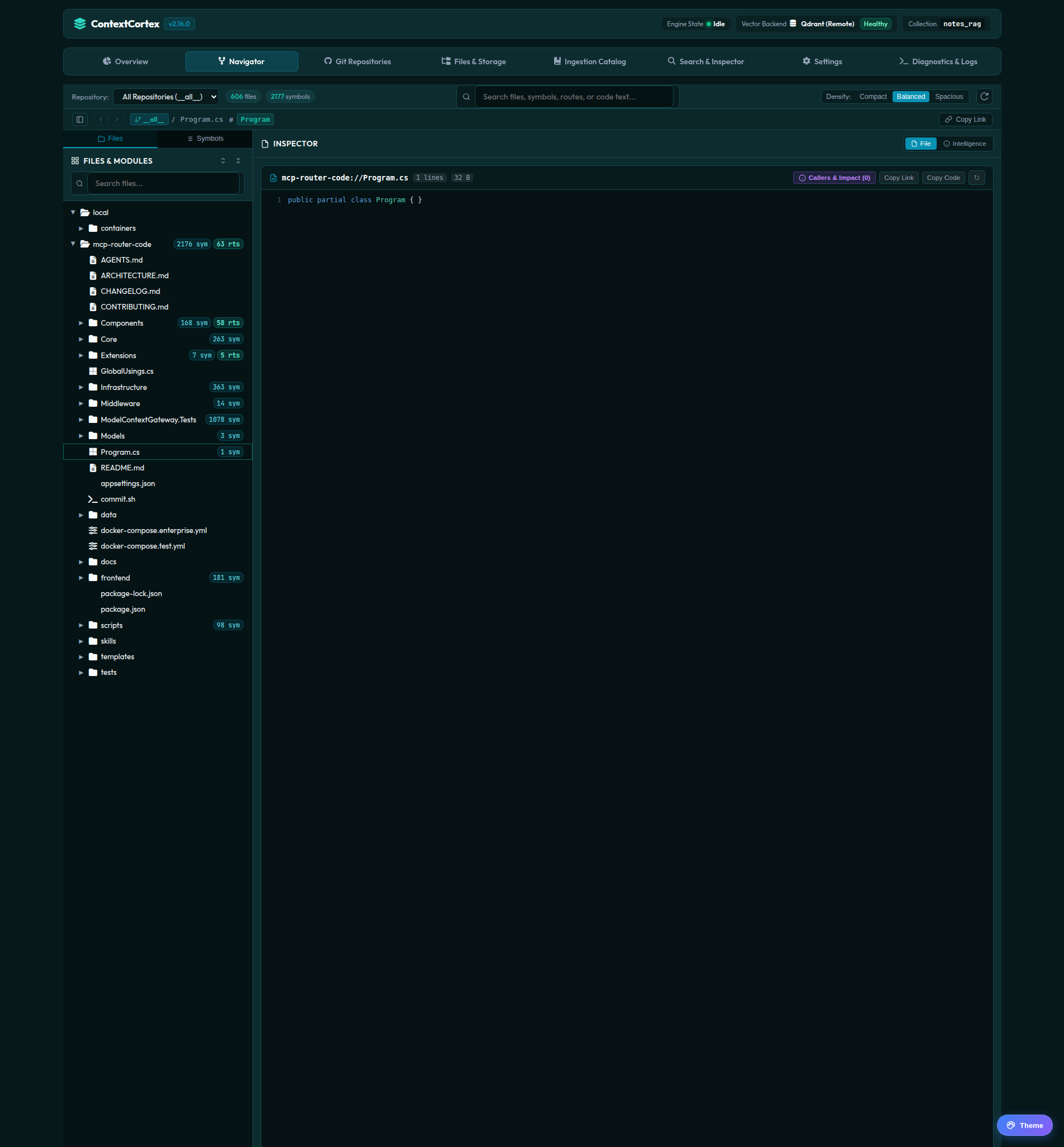
| 2. Codebase Navigator | 3-pane synchronized file hierarchy, Tree-sitter symbols, API routes, and caller/callee graphs. | Explore Guide → |
| 3. Search & Inspector | Interactive hybrid semantic + lexical search testing with percentage relevance scores. | Explore Guide → |
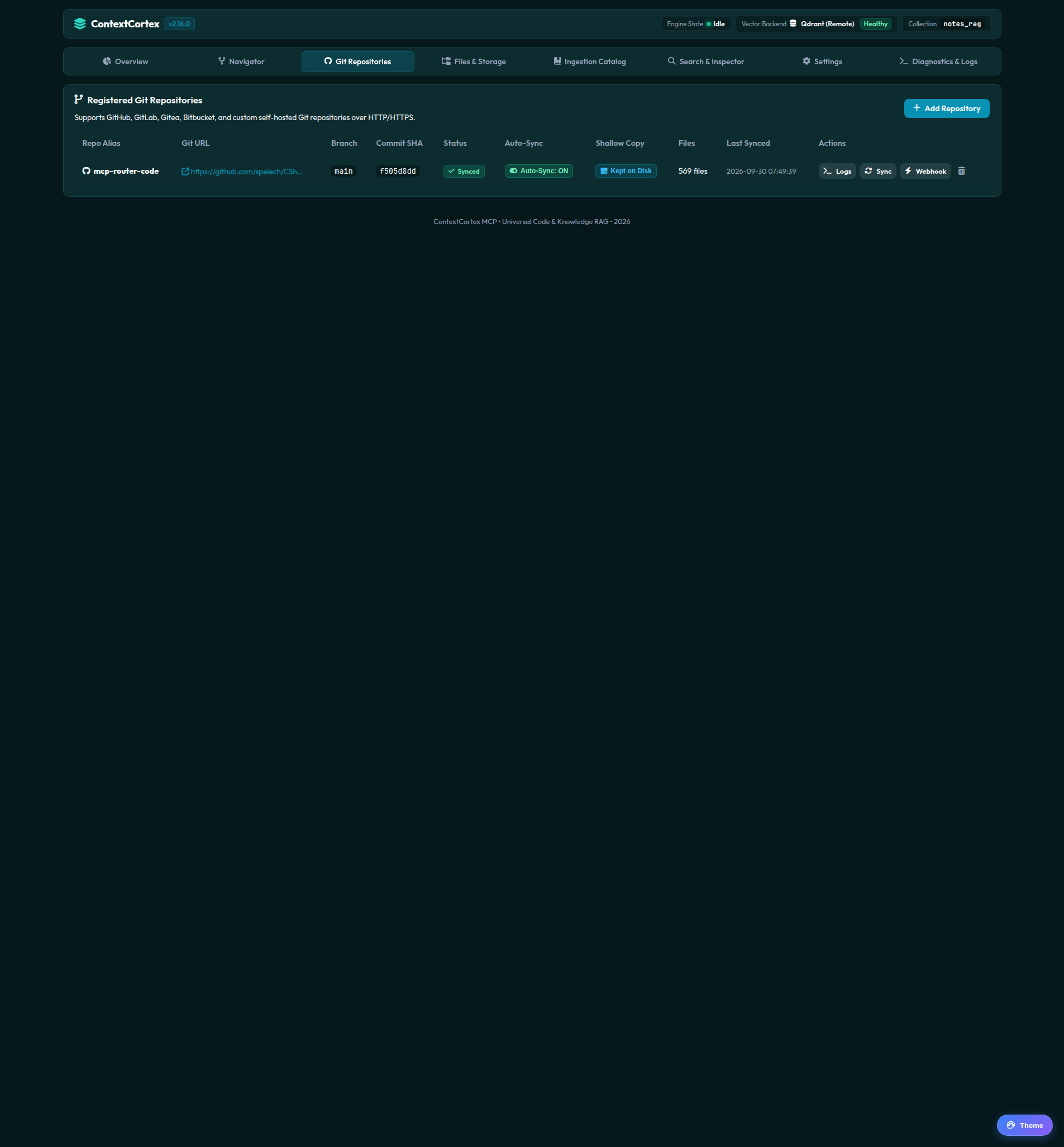
| 4. Git Repositories | Shallow clone ingestion, branch tracking, auto-sync polling, and webhooks for GitHub, GitLab, and Gitea. | Explore Guide → |
| 5. Local Paths & Vaults | Zero-clone monitoring for Obsidian vaults, Architecture Decision Records (ADRs), and monorepos. | Explore Guide → |
| 6. Local Storage & PDF Ingestion | Managed uploads, PDF preview modal, AI vision OCR fallback, and large file summarization. | Explore Guide → |
| 7. Settings & Model Discovery | Dynamic vector store switching (Qdrant, pgvector, ChromaDB), LiteLLM discovery, and Git host credentials. | Explore Guide → |
| 8. Diagnostics & System Logs | Real-time 500-event in-memory ring buffer, level filtering, search, and stack trace drawers. | Explore Guide → |
| 9. Appearance & Themes | 4 curated dark and light palettes (Deep Ocean, Midnight Blue, Lavender Haze, Amber Warmth). | Explore Guide → |
Quick Screenshot Preview
🖼️ Expand Dashboard Gallery
| Overview | Git Repositories |
|---|---|
 |  |
| Codebase Navigator | Search & Inspector |
 | 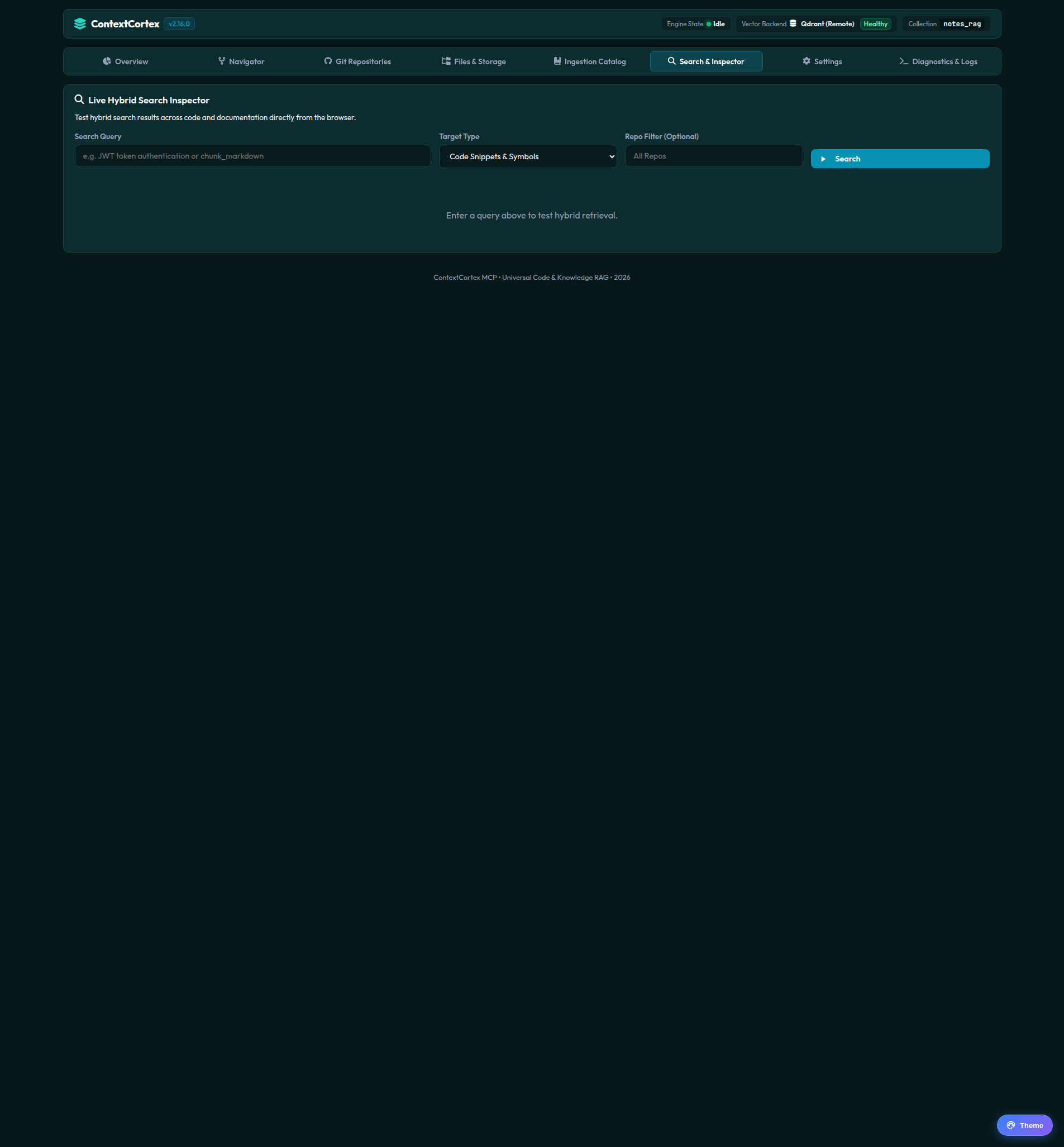 |
| Local Paths | Settings |
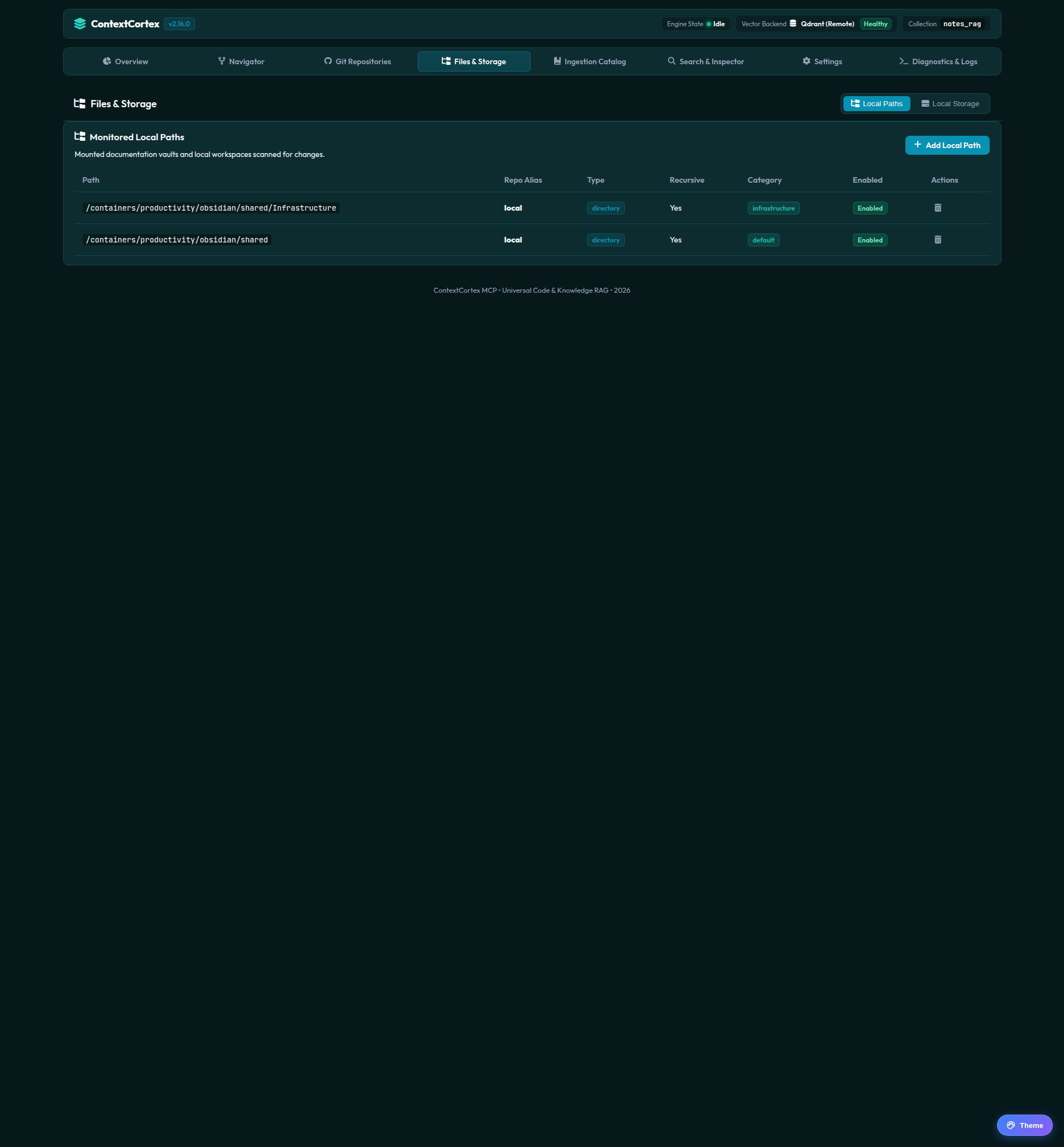 | 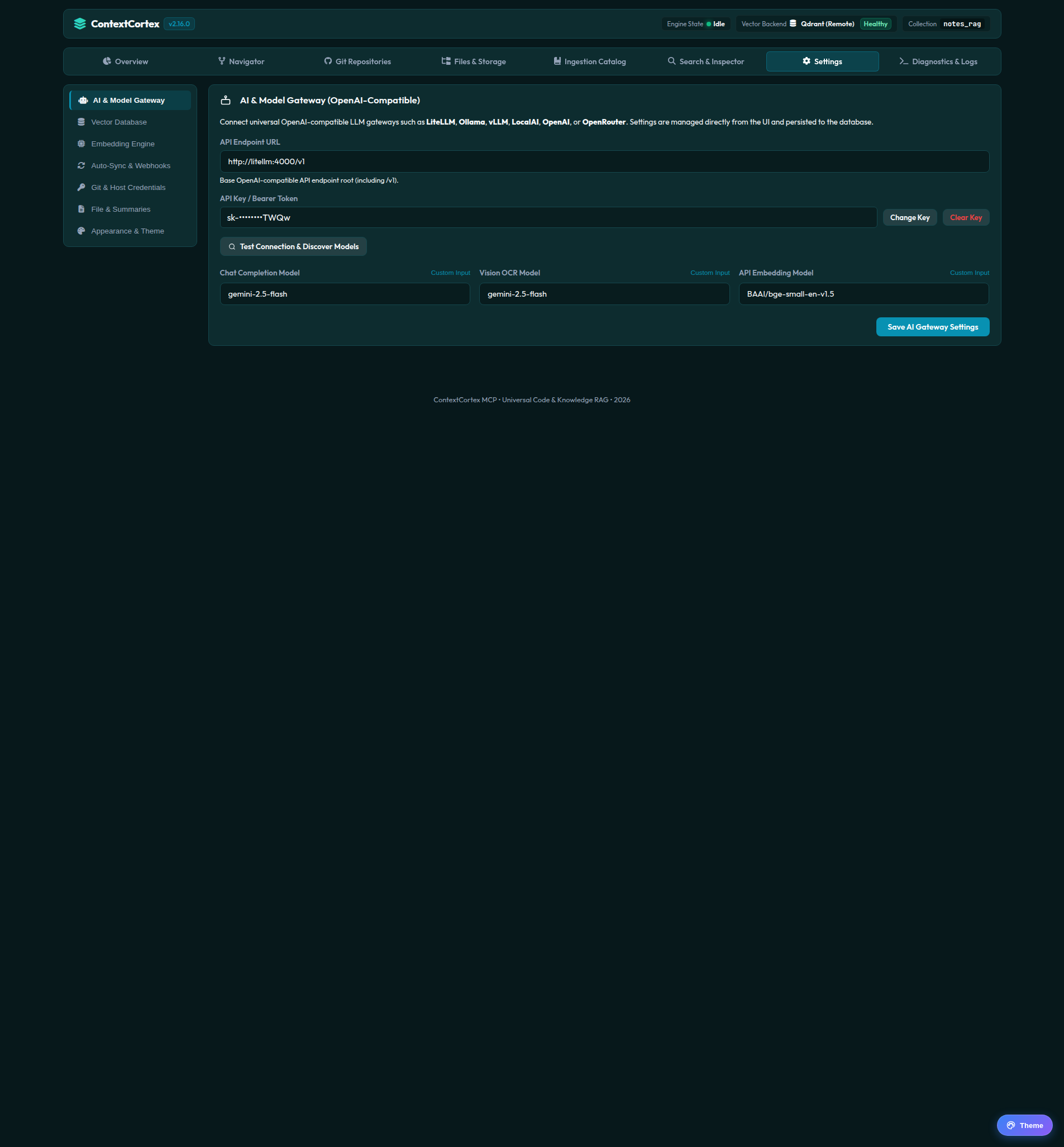 |