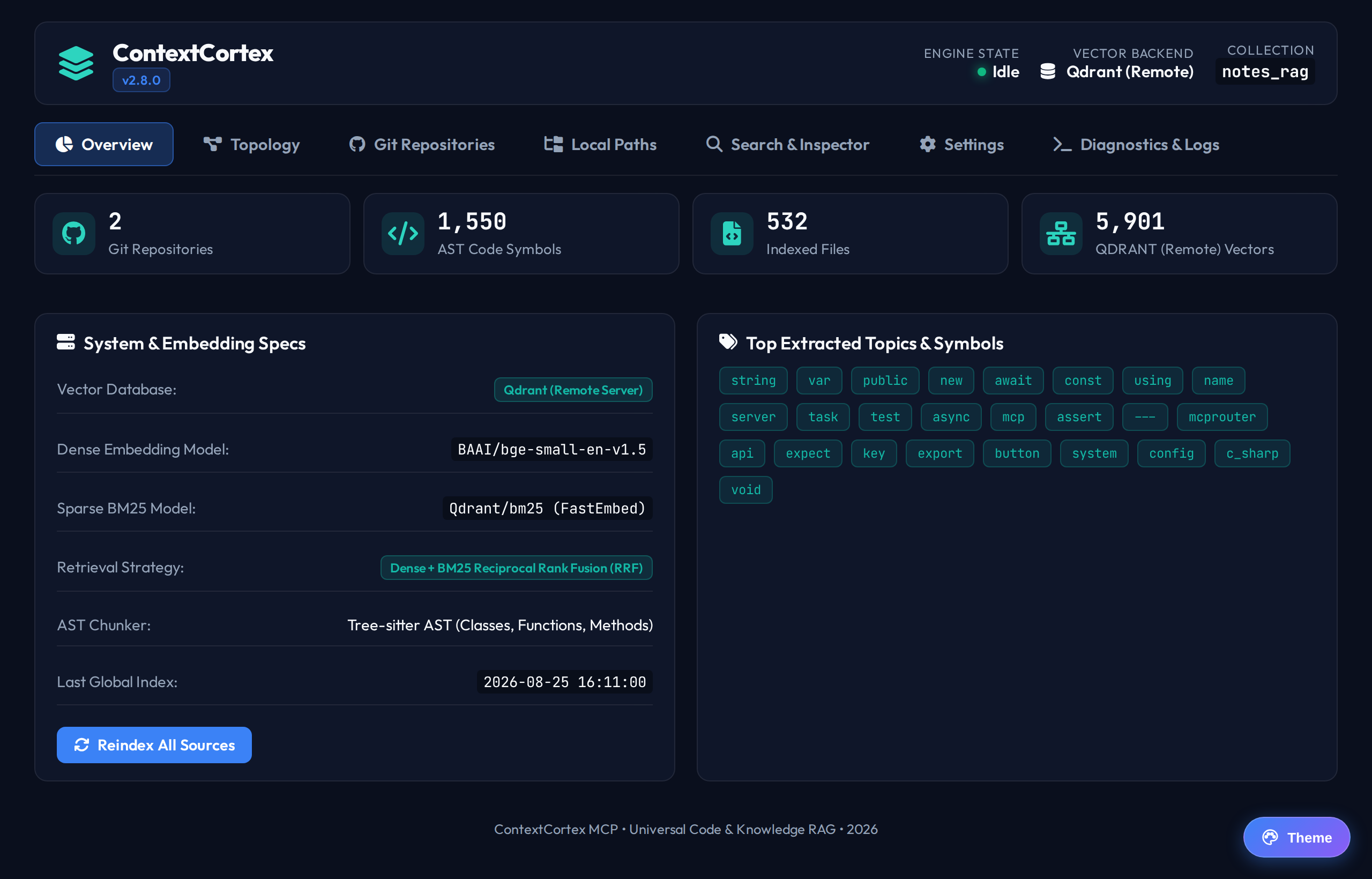
Git Repositories Management
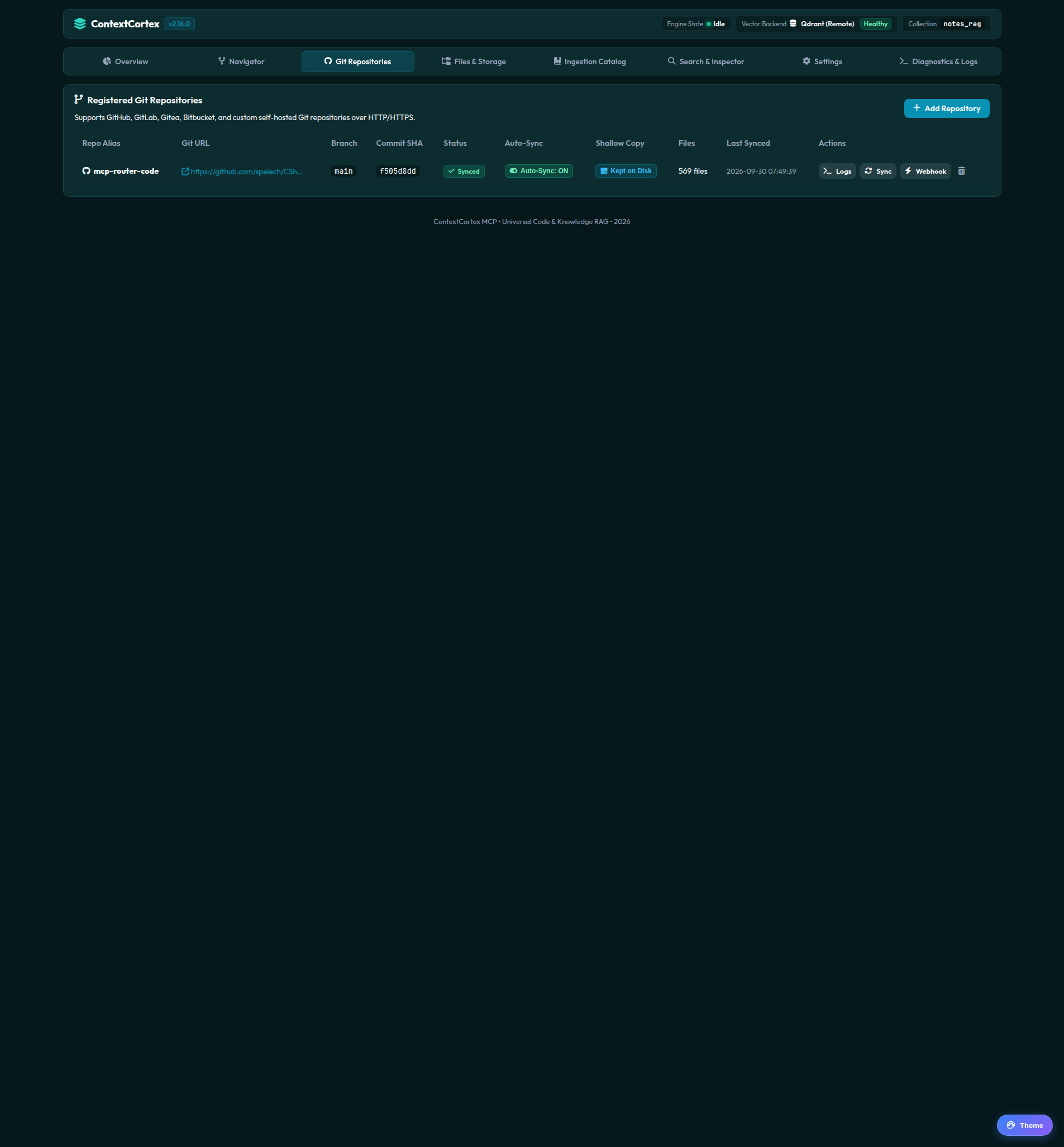
The Git Repositories view allows you to register, synchronize, monitor, and configure automated webhooks for repositories across all supported Git providers.
Registering a New Repository
Follow these steps to connect a Git repository to ContextCortex:
- In the Git Repositories tab, click + Add Repository.
- Repository Name: Enter a descriptive alias (e.g.
contextcortexorbackend-core). - Clone URL: Enter the Git clone URL (HTTP or HTTPS).
- Branch: Specify the target branch to index (e.g.
main,master, ordev). - Git Provider: Select your platform:
GitHubGitLab(GitLab Cloud, Enterprise, or Self-Hosted)GiteaorForgejoBitbucketGeneric Git(Any standard HTTP/HTTPS Git service)
- Authentication:
- Provide an optional personal access token (PAT), or
- Leave empty to automatically inherit saved domain credentials from the Git Host Credential Vault.
- Keep Shallow Copy on Disk (New in v2.16.0):
- Check Keep shallow copy on disk to retain a shallow clone (
--depth 1) in persistent storage under/app/data/repos/{repo_name}. - When enabled, Code Navigator can instantly load unchunked source files for full inspection, and subsequent syncs use fast incremental
git fetch --depth 1instead of re-cloning from scratch. - You can also toggle shallow retention on or off at any time via the Shallow Copy badge in the repository list table.
- Check Keep shallow copy on disk to retain a shallow clone (
- Click Add & Start Sync.
Synchronizing Repositories
ContextCortex supports both ephemeral and persistent shallow ingestion:
- Ephemeral Sync (Default): Authenticated shallow clone (
git clone --depth 1) directly into an isolated directory, extracts AST chunks, symbols, and vector embeddings into the vector store, updates the relational catalog, and immediately purges the cloned files from disk to conserve host storage. - Persistent Shallow Copy Retention: Retains the
--depth 1clone on the persistentrepo_cacheDocker volume, enabling instantaneous full source inspection in Code Navigator and lightning-fast delta updates.
Manual Synchronization
Click the Sync button on any repository row or card to trigger an immediate update. A live progress drawer displays:
- Remote ref verification
- Shallow clone / incremental fetch phase
- Tree-sitter AST parsing status
- Vector embedding generation progress
- Total vectors created, AST symbols extracted, and elapsed time
Automated Webhooks & Polling
- Auto-Sync Poller: Repositories with auto-sync enabled are re-indexed periodically by the background daemon based on the configured interval (default: every 15 minutes). You can toggle auto-sync directly from the table.
- Webhooks: Click Webhook on any repository card to open the webhook modal showing the pre-configured endpoint (
/api/webhooks/git) and HMAC secret token for GitHub, GitLab, or Gitea push events. Both the Add Repo and Webhook modals render via full-screen React Portals to guarantee clean, unclipped displays.
Next Steps
- Monitor local host directories in Local Paths and Vaults.
- Explore managed file uploads in Managed Local Storage and PDF Ingestion.