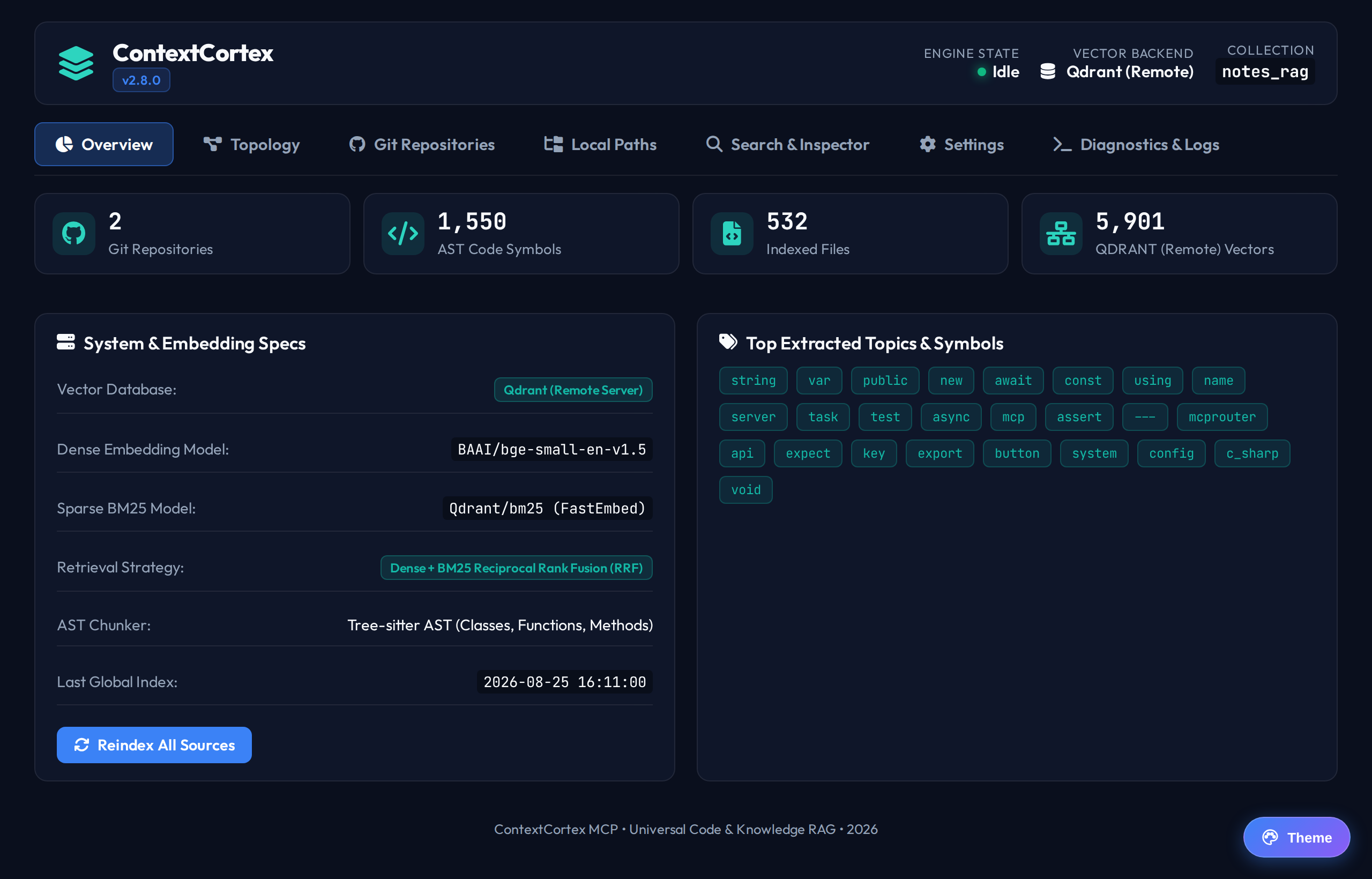
Appearance and Theme Customization
ContextCortex provides four curated visual palettes designed for high contrast, minimal eye strain, and accessible development across dark and light environments.
Available Visual Palettes
| Deep Ocean (Dark Default) | Midnight Blue (Dark Space) |
|---|---|
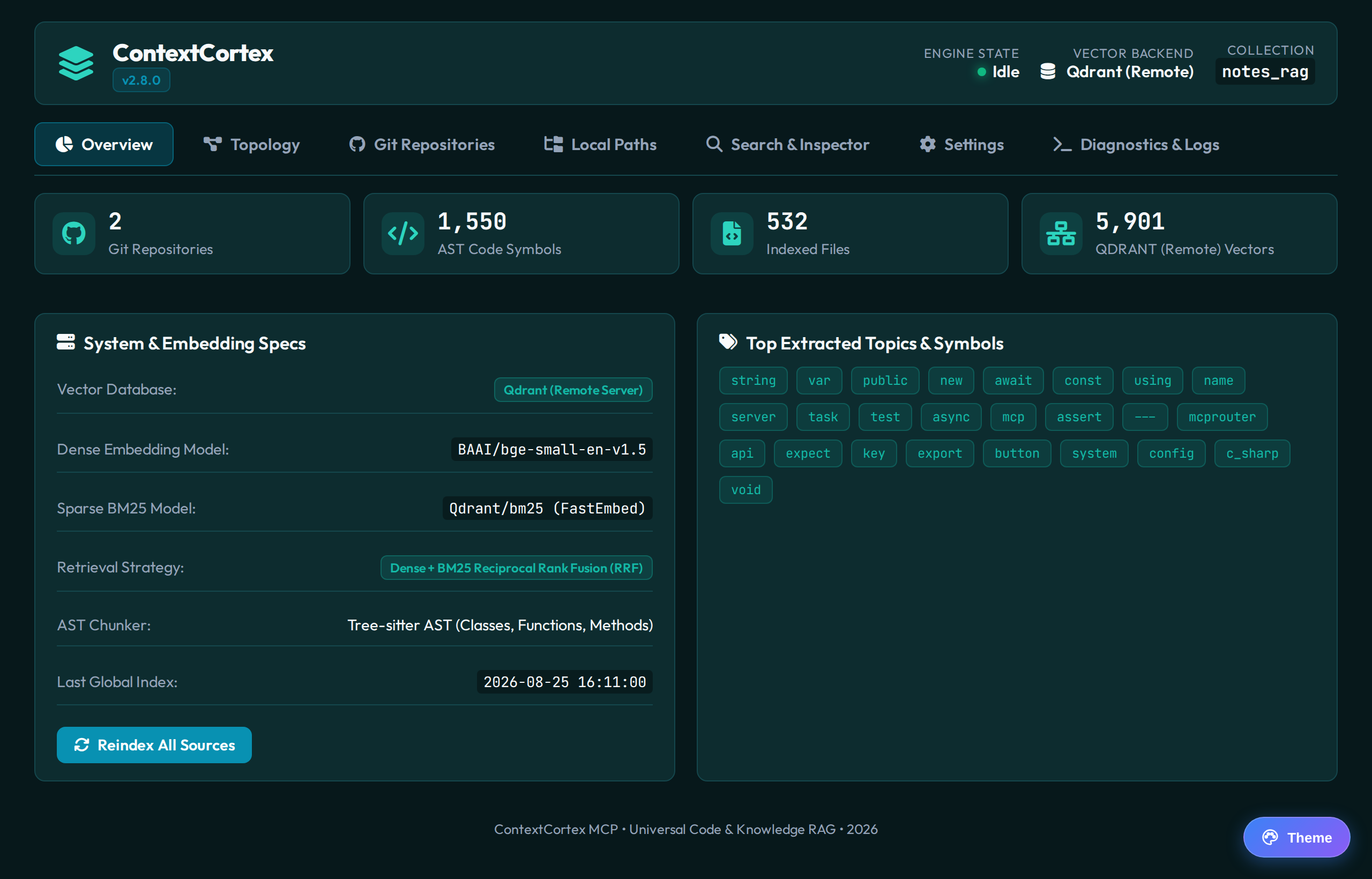 | 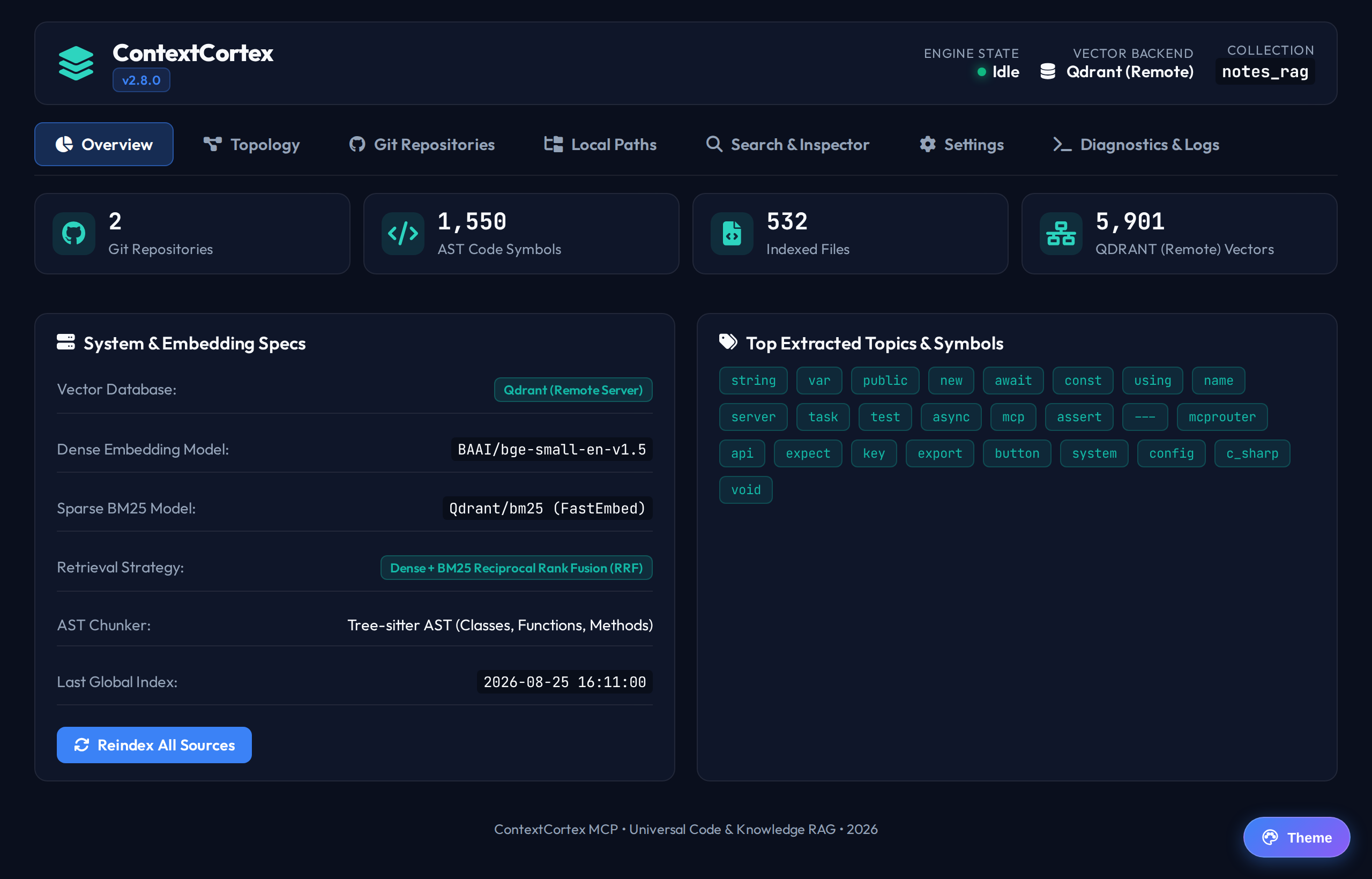 |
Petrol spruce #07181b with vibrant cyan #0891b2 & mint accents | Obsidian navy #0a0f1d with royal blue #3b82f6 & teal accents |
| Lavender Haze (Light Purple) | Amber Warmth (Light Sandstone) |
|---|---|
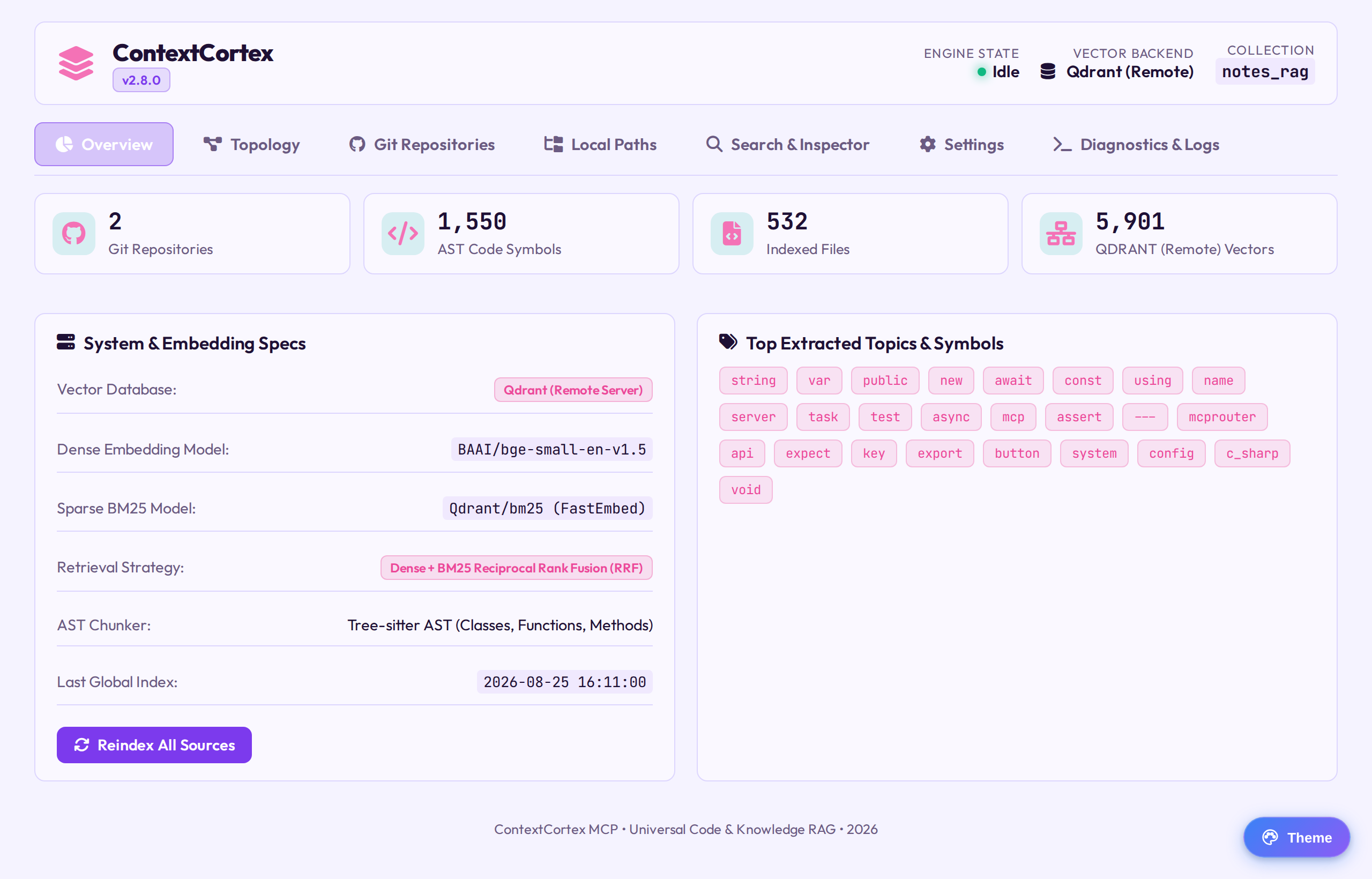 | 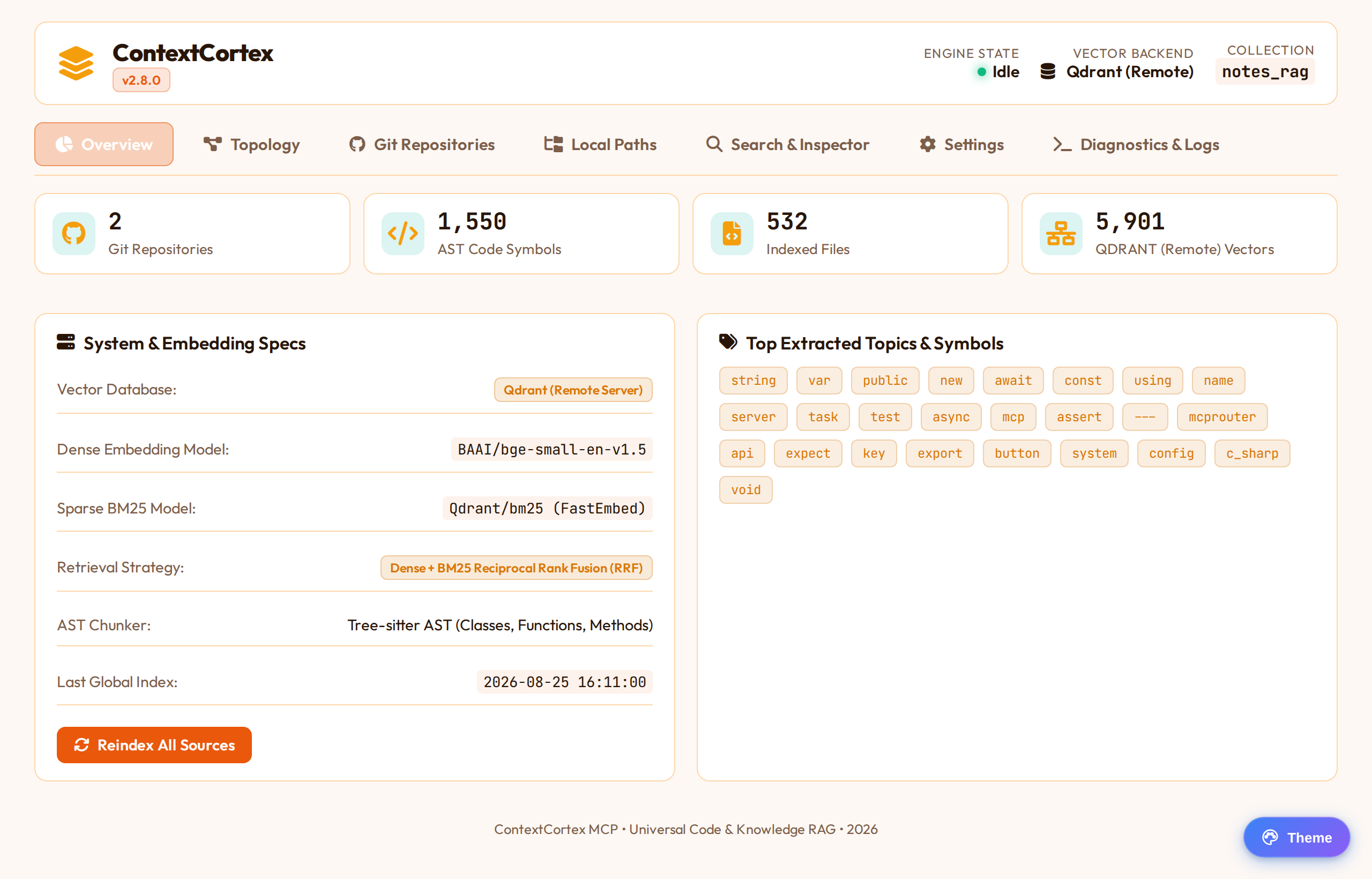 |
Lilac canvas #f5f3ff with purple #8b5cf6 & fuchsia accents | Sandstone #fdf8f4 with terracotta & amber #f59e0b accents |
Switching Themes
Follow these steps to change your active dashboard theme:
- Click the Palette Icon () in the upper-right corner of the top navigation bar.
- Select your desired theme from the dropdown menu:
Deep OceanMidnight BlueLavender HazeAmber Warmth
- The interface theme tokens switch immediately without refreshing or interrupting running searches.
- Your theme selection is automatically persisted to browser
localStorageand restored on subsequent visits.