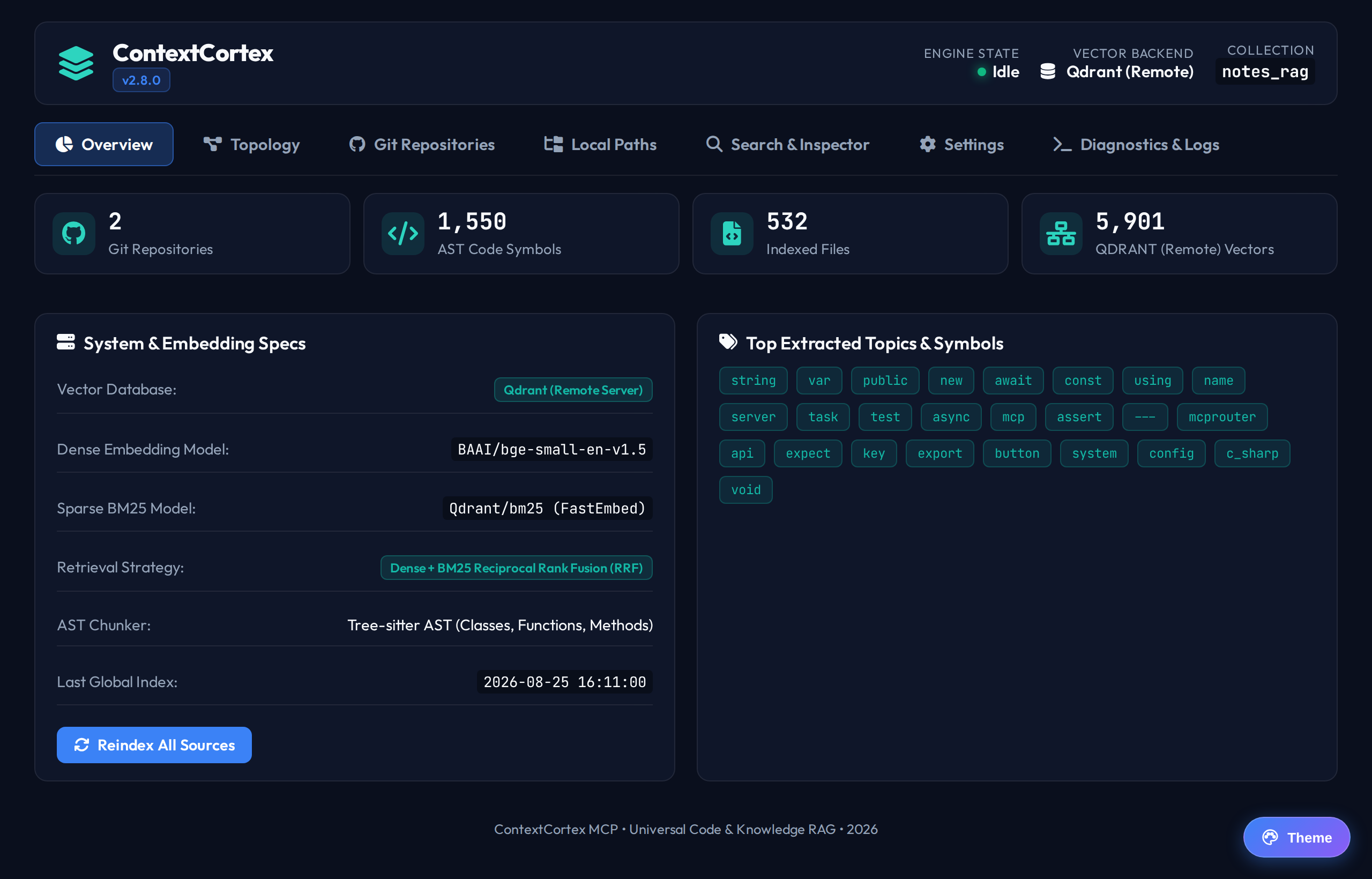
Search and Inspector
The Search and Inspector view enables administrators and AI engineers to test hybrid semantic and lexical search queries interactively, inspect score distributions, and verify retrieval accuracy.
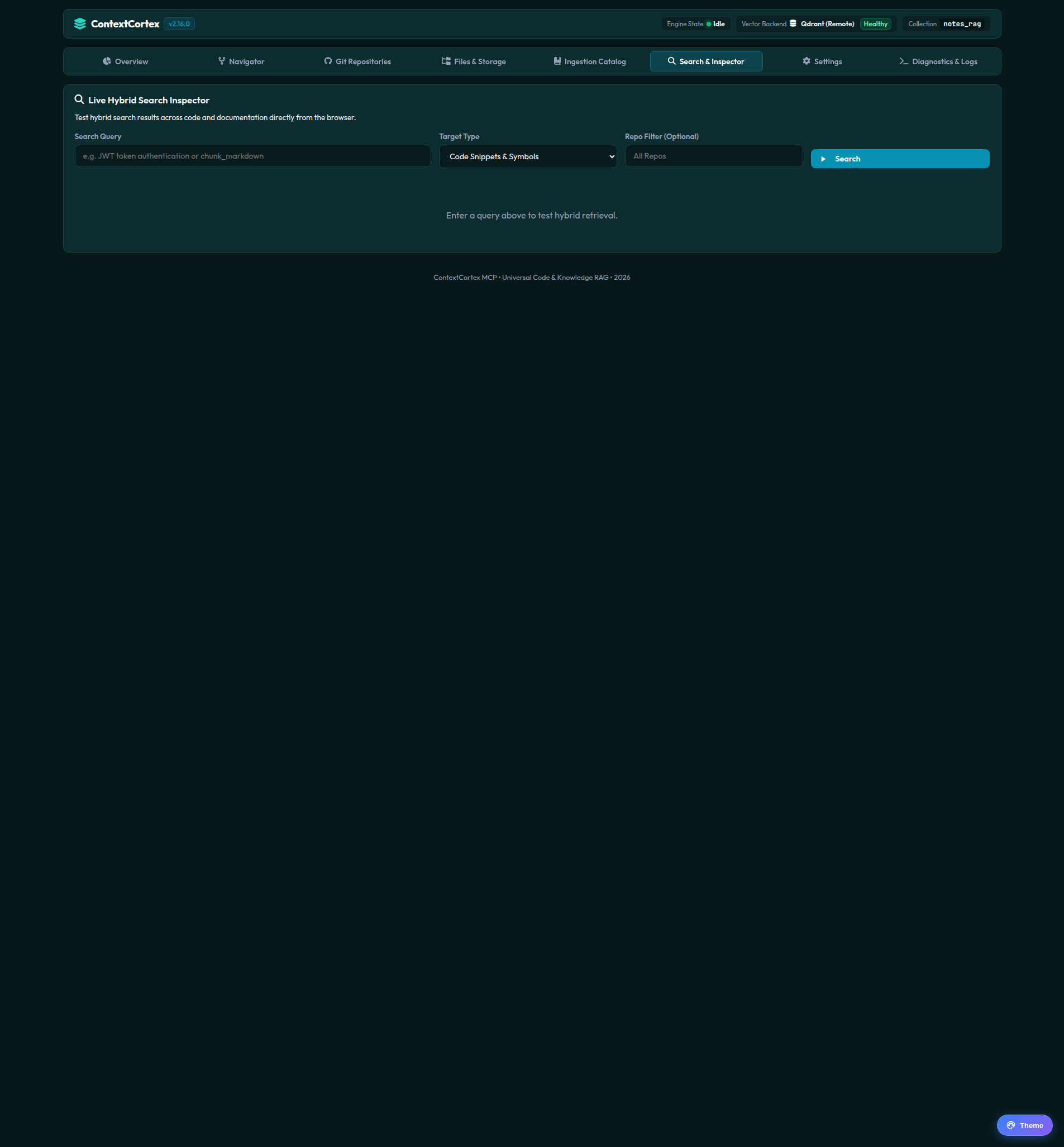
Executing a Search Query
Follow these steps to run a retrieval test:
- Click the Search & Inspector tab in the main navigation.
- Enter your query in the search bar (for example:
vector database connection poolorFastMCP tool registration). - Select the target search category:
- Code: Searches source code AST chunks across all indexed languages.
- Docs: Searches architectural documents, ADR records, specifications, file summaries, and indexed PDF manuals.
- (Optional) Select a specific Repository filter to isolate results to a single project.
- Click Run Search or press Enter.
Interpreting Search Results
Each result card displays comprehensive metadata and relevance breakdowns:
┌────────────────────────────────────────────────────────────────────────┐
│ app/services/database/connection.py:12-45              Score: 88.4%   │
│ Repo: contextcortex • Category: code • Type: function                  │
├────────────────────────────────────────────────────────────────────────┤
│ def get_db_connection():                                              │
│     """Returns an active SQLite or PostgreSQL database connection."""   │
│     ...                                                                │
└────────────────────────────────────────────────────────────────────────┘- Relevance Score Badge: Expressed as an intuitive percentage (
0.0% – 100%) using normalized linear weighted fusion between dense semantic cosine similarity and sparse BM25 keyword matching. - Source Link: Click the external link icon to jump directly to the upstream file and line range in GitHub, GitLab, or Gitea.
- Syntax Preview: Formatted code chunk with preserved indentation and line numbers.
Next Steps
- Register new upstream repositories in Git Repositories Management.
- Learn how to configure local filesystem vaults in Local Paths and Vaults.