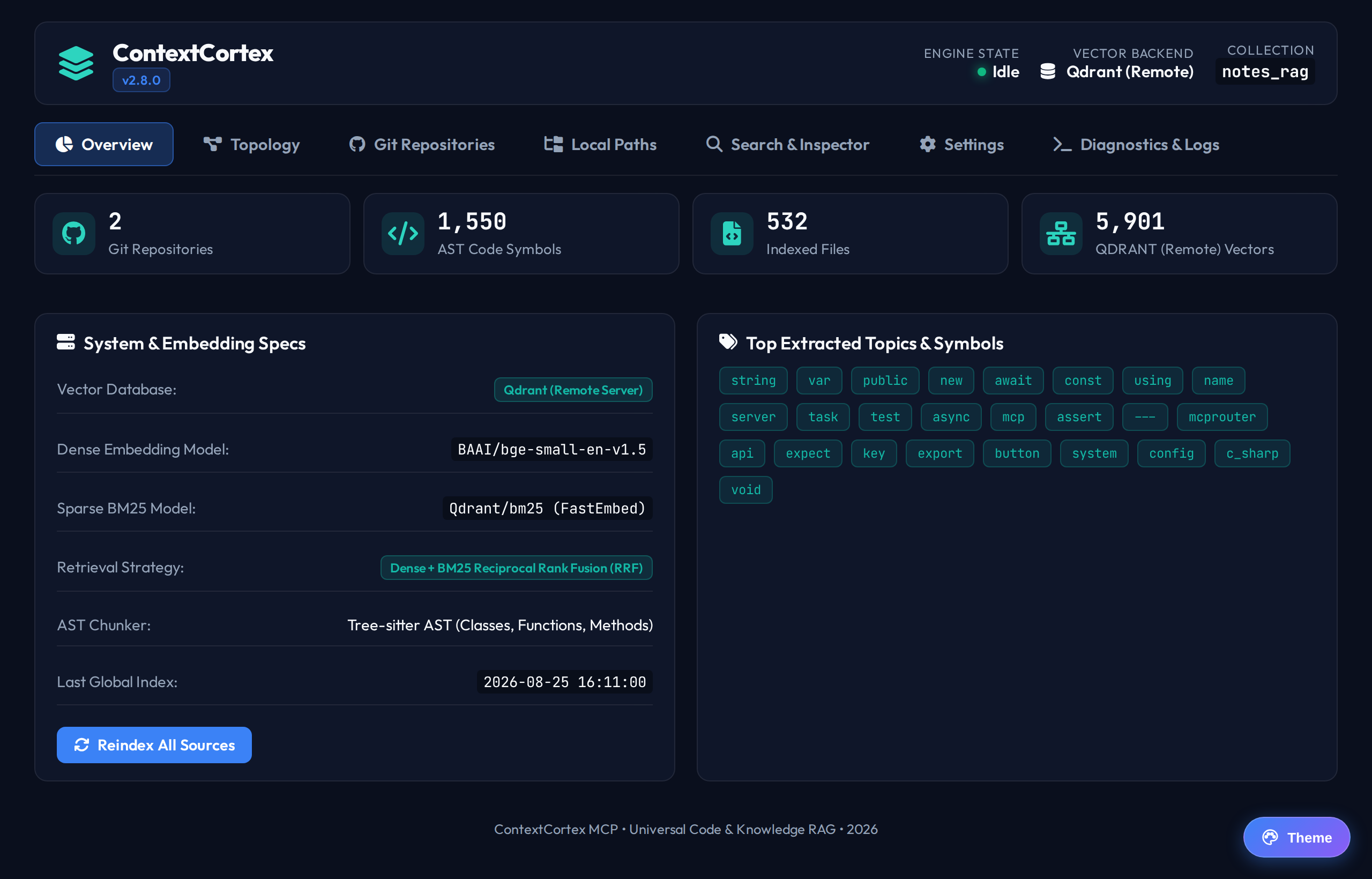
Getting Started
This procedure describes how to install, configure, and start ContextCortex.
Prerequisites
Make sure that your system meets these requirements:
- Python version 3.11 or later.
- Node.js version 20 or later with npm package manager.
- Git version 2.30 or later.
- Docker engine and Docker Compose (recommended for container deployment).
Installation
You can install ContextCortex with the automated setup script or manual steps.
Method 1: Automated Installation (Recommended)
Follow these steps for automated installation:
Clone the repository from GitHub:
bashgit clone git@github.com:spelech/contextcortex.git cd contextcortexOn Linux or macOS systems, run the setup script:
bash./setup.shOn Windows systems, run the PowerShell setup script:
powershell.\setup.ps1
The script configures the Python virtual environment. It installs dependencies, compiles frontend assets, and verifies database readiness.
Method 2: Manual Installation
Follow these steps for manual installation:
Clone the repository and change directory:
bashgit clone git@github.com:spelech/contextcortex.git cd contextcortexCreate a Python virtual environment:
bashpython3 -m venv venvActivate the virtual environment:
bashsource venv/bin/activateOn Windows systems, run:
powershell.\venv\Scripts\Activate.ps1Install Python dependencies:
bashpip install -r requirements.txtInstall frontend dependencies and build assets:
bashcd frontend npm install npm run build cd ..
Starting the Service
Start the server with the default configuration:
bashpython main.pyVerify that the server starts successfully. The console displays the listening port and mounted endpoints:
- Web Admin Dashboard:
http://localhost:3000/admin/ - MCP Server-Sent Events:
http://localhost:3000/sse - MCP Streamable HTTP:
http://localhost:3000/mcp - Health Check:
http://localhost:3000/healthz
- Web Admin Dashboard:
NOTE
When AUTH_ENABLED is set to false, the server operates in local development mode without authentication prompts.
Starting with Docker Compose
To deploy ContextCortex with PostgreSQL 16, pgvector, and Qdrant in containers:
Start the Docker Compose stack:
bashdocker compose up -dCheck the container status:
bashdocker compose psView real-time container logs:
bashdocker compose logs -f app
Next Steps
- Open the User Guide to explore dashboard components with screenshots.
- Review the Configuration Guide to set environment variables.
- Connect your AI assistant using the MCP Reference.